A great self-hosted music app is now a Flatpak
Feishin's latest update spreads into other Linux formats.

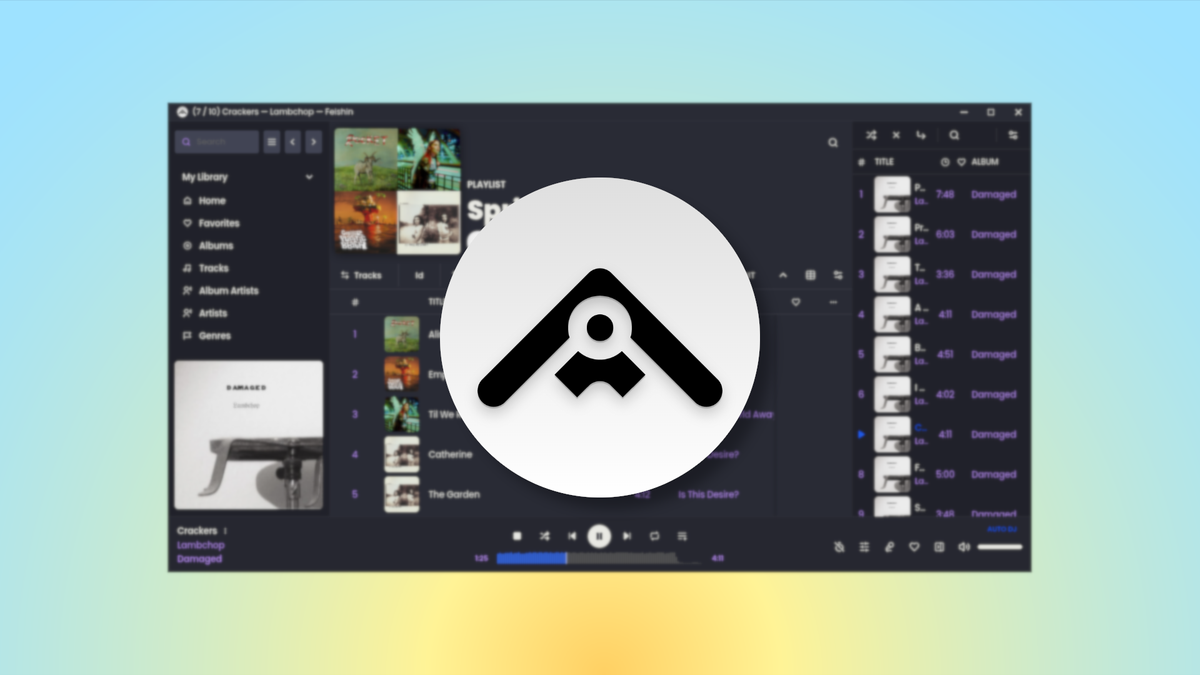
The Feishin development team earlier this week released versions 1.10.0 and, soon after, 1.11.0 of the Feishin music player. It's one of the slickest Linux apps for listening to self-hosted music services, and this update adds new platform and functionality.
What's new
- Flatpak format: While Linux fans were previously limited to DEB and AppImage downloads, now get Feishin as a sandboxed Flatpak through Flathub.
- Audio visualizers for MPV: If you're using MPV as the player backend, there's initial support for audio visualizations. On Linux, it's currently labelled "questionable" in terms of functionality, so manage your expectations.
- Customizing artist images on Navidrome: You can now add or delete artist images on Navidrome servers, and there's drag-and-drop support to boot.
- Automatic transcoding: Music on Navidrome and OpenSubsonic servers will now be automatically transcoded based on the codec and container.
What's getting better
- External links: There are updated icons for external links, and there are now links for Qobuz streaming options and Listenbrainz data.
- Navidrome playlists: If your music is hosted on Navidrome, there's enhanced support for smart playlists (including a bevy of new fields). Plus, percent limits and custom playlist images.
- The waveform slider: If you have the waveform slider enabled, it now generates faster, and the default slider now displays while that generation is happening. If it causes slowdowns on your system, you can also now set a generation delay.
- Table management: If you customize the layout of list tables a lot, there are several interface improvements, and you can now resize pinned columns.
What's going away
- That server selector above your artwork: The server selection menu is now in the main app menu instead of where it was, oddly, above the now-playing artwork and metadata.
Zooming out
Why this update matters: Self-hosting your music is one of the easiest and fun ways to avoid dependence on increasingly pricey and problematic streaming services. Feishin makes enjoying your server even easier with its powerful yet modern interface.
My take: I'm listening to Lambchop on my Jellyfin server via Feishin as we speak. I don't feel a need to move from the AppImage to the Flatpak, but I'm glad it'll be a cinch to install through any Flathub-enabled software managers I use in the future.
Diving in
The fineprint: Many more small fixes and improvement are listed in the full release notes for 1.10.0 and 1.11.0.
Get it now: Visit the new Feishin page on Flathub to get it as a Flatpak, or see the assets list in the release notes linked above to find the AppImage or DEB package.