The nano editor has new features and mouse-friendly settings
You're protected against losing macros and clipboard content now, too.

The team behind GNU nano, a popular terminal-based text editor, announced nano 9.0 today. It's packed with improvements that include new key bindings and mouse scrolling abilities.
What's new
- Rebinding for Meta-arrow shortcuts: You can now rebind the Meta-arrow shortcuts, like
M-Up,M-Right, and so on. Normally those hotkeys let you scroll without moving the cursor, but if you don't scroll like that, you're now free to change them. - Mouse scrollbars: With the
--mouseand--indicatorflags both enabled, you can click and drag in the scrollbar area like you would a graphical application's scrollbar.
What's getting better
- Making macros (by mistake): If you start recording a macro and then immediately stop, nano will now discard the recording entirely and won't remove any existing macros. Pretty handy if you're a keyboard klutz like me.
- Clipboard management: Chains of text that you copied or cut with
M-6or^Kno longer get lost when you toggle features off and on. - Syntax highlighting: Some new colors got added to certain Python and Guile elements, as well as parts of
groff,man, andnanorcoutput.
What's going away
- "Jerky" side-scrolling: Now, whenever you move your cursor to the right and nano needs to scroll to accommodate, the view will move only enough to show the cursor.
- If you preferred the jerky motion (the developers' words, not mine), you can get it back with the
--solosidescrollflag.
- If you preferred the jerky motion (the developers' words, not mine), you can get it back with the
Zooming out
Why this update matters: It's the first major release in nearly two years for the text editor that happens to be the default editor in Ubuntu and many other popular Linux distros. For many, GNU nano is a Linux newbie's first text editor.
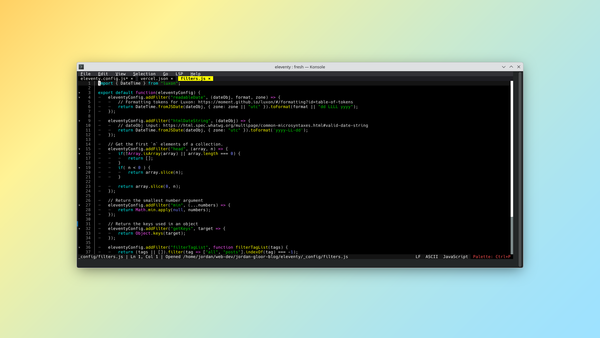
My take: Continued and sensible updates like this mean nano probably won't be displaced anytime soon, but I've lately grown to prefer Fresh, which just yesterday got an update.
Diving in
The fineprint: Head to the GNU nano blog for the published notable changes, and the official changelog for a full technical readout.
Get it now: If it isn't in your Linux distro's latest repositories, nano 9.0 binaries and source code are available from the GNU nano Downloads page.