Terminal text editor Fresh 0.2.21 is here
Code completions are now possible without external language server protocols.

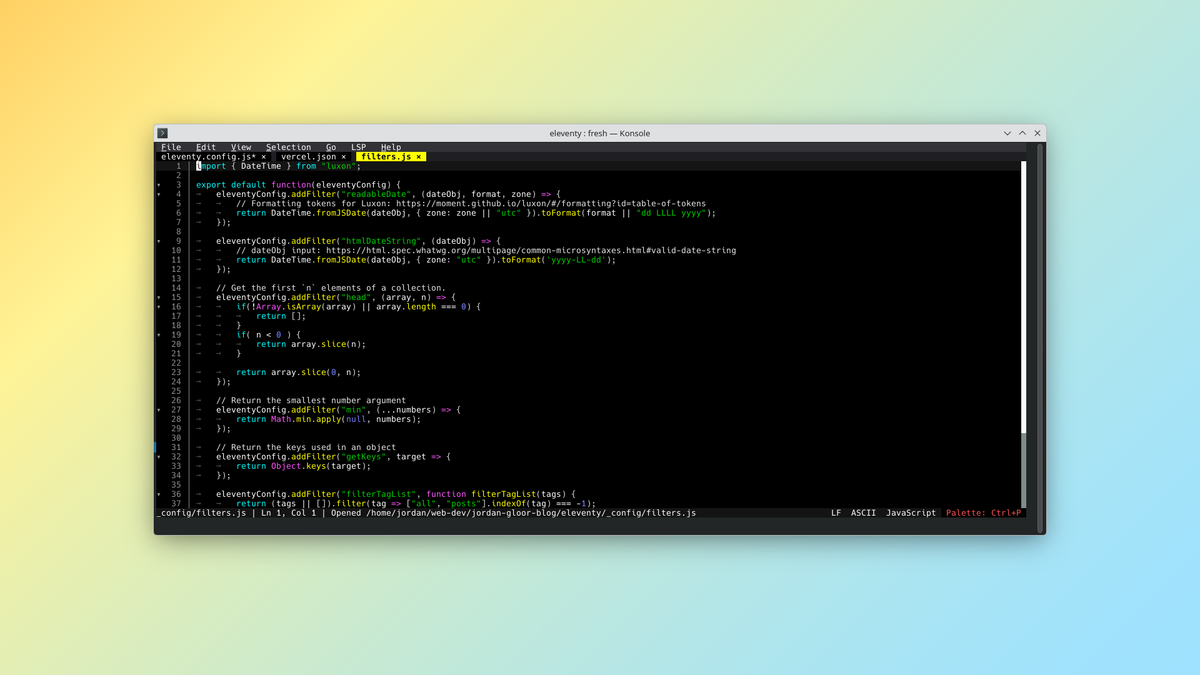
The developers of Fresh, a powerful yet beginner-friendly terminal-based text editor, announced an update last week with several significant improvements.
What's new
- Built-in completions: There's now fast code completion without the help of a language server. In other words, Fresh can complete basic code for you even if you don't install external packages for that language.
- Code actions: You can now use code actions provided by your language servers. Resolve suggestions, execute commands, create and delete files, and more from the
Alt+.-initiated key binding.
What's getting better
- Live git status markers: The markers noting changes in browser for git repositories are now updated live by regular polling and by focusing the terminal.
- Language servers: Fresh now communicates more effectively with your language server to better serve diagnostics on crashes and handle bulk edits. Many more minor improvements in reliability and experience.
- Colors: Themes are now rendered more consistently and with better contrast ratios. That includes the high-contrast theme.
What developers are asking for
The lead developer is asking for feedback on the plugin for Fresh's vi/vim mode. If you like using vi-style keybindings, you can comment in the GitHub discussion to share your thoughts.
Zooming out
Why it matters: Fresh makes editing in a terminal a much more comfortable experience for anyone used to graphical editors. It can serve as an entry point for newcomers to terminal-based code development and Linux's lightweight philosophy.
My take: I personally like using Fresh when I need to edit code and don't want to use a graphical app. I'm looking forward to trying the LSP-free code completion.
Diving in
The fineprint: If you want to read more, check the Fresh 0.2.21 release notes.
Get it now: You can download the binaries from the release notes linked above. If you haven't tried Fresh at all, you can visit the project home page for a list of install scripts and sources.