Try something new: 3 Linux apps worth installing
If you like TUIs, emojis, and typing faster, I've got an app for you.

It's the weekend: the perfect time to try new software. Linux repositories have all kinds of apps, and I've found a few worth your time.
Keypunch: Simple typing exercises
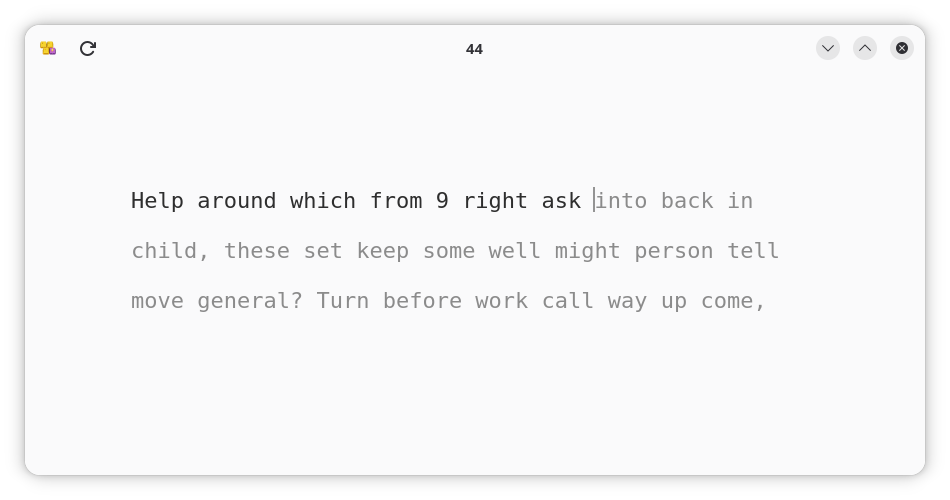
If you want to improve your typing skills, Keypunch is a supremely simple but useful app. It's also part of the GNOME Circle, meaning it has a strong backing in the open source community.
Why I like it
In the past I've used KDE's Ktouch app, which I appreciated, but it was pretty technical, with a lot of built-in courses and additional bells and whistles. Keypunch though gets straight to the punch.
When you open it, you can immediately start typing and get an assessment of your typing speed and accuracy in 30 seconds. From there, you can adjust the timer and difficulty to either get a more accurate score or practice and get better. Its clean, focused design means you won't be distracted while you type.
How to get it
You can install Keypunch from Flathub, and you can also try searching your software manager for it.
Midnight Commander: A file management tradition
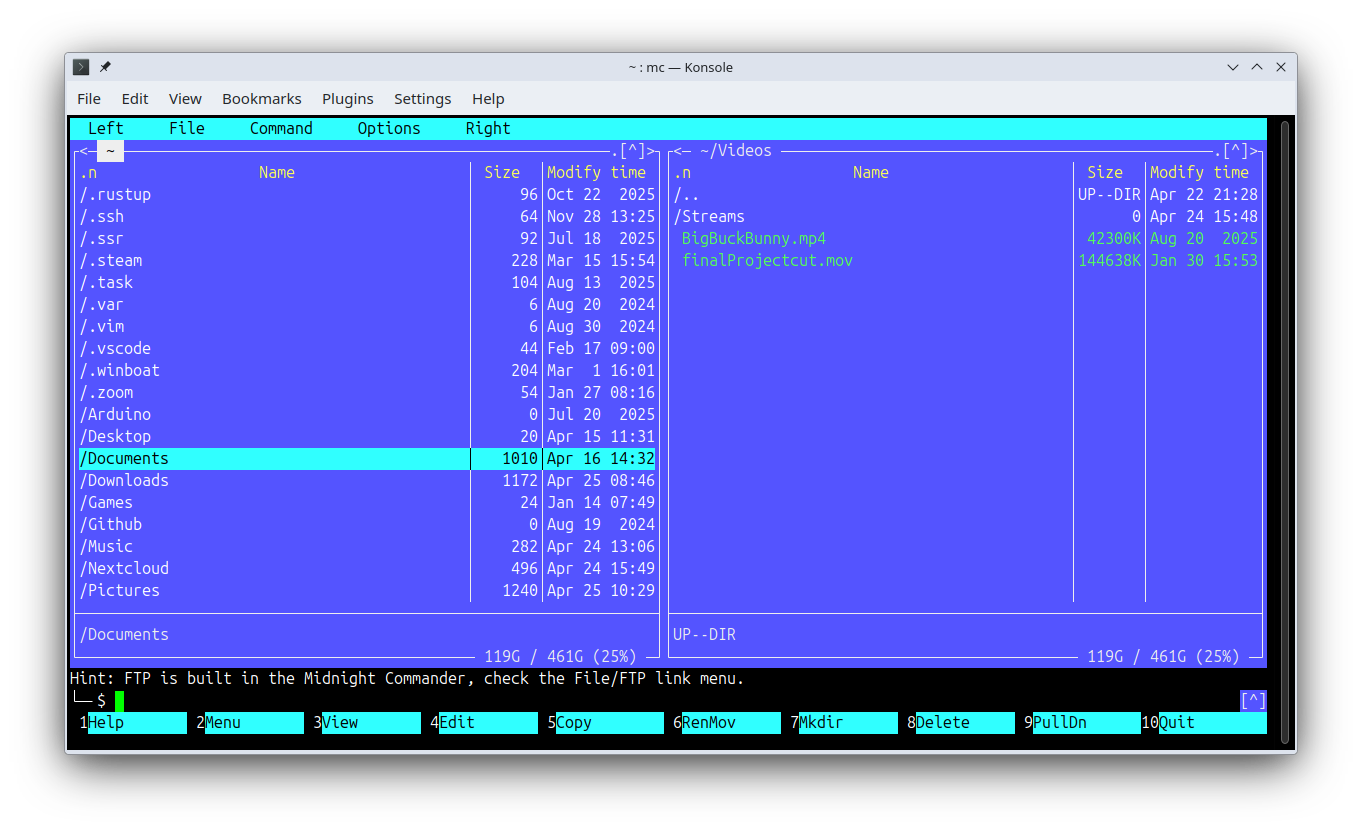
If you want to boost your file management game and learn to make better use of the terminal, GNU Midnight Commander (often abbreviated to mc) is a quintessential choice. It's a clone of a famous MS-DOS file manager from the 80s and 90s called Norton Commander. While nc has since disappeared, mc continues to live on (celebrating a 32nd birthday this year) as an actively developed project.
When you first run mc, you'll see that it maintains its retro text-based design. You'll also see its minimalist appearance hides tons of capabilities. Just hit the F2 key to open the file menu and start exploring.
Why I like it
While many apps out there have tried to reinvent the TUI file manager experience, it's worth to get back to the basics with a storied orthodox file manager like mc. It's also nice that you get a lot of advanced capabilities without needing to find community plugins for whatever you're trying to do.
How to get it
GNU Midnight Commander is available across Linux repositories by its mc package name.
sudo apt install mc #Debian and Ubuntu
sudo dnf install mc #Fedora
sudo pacman -S mc #Arch
sudo zypper install mc #openSUSE
Mingle: Emoji kitchen on your Linux desktop
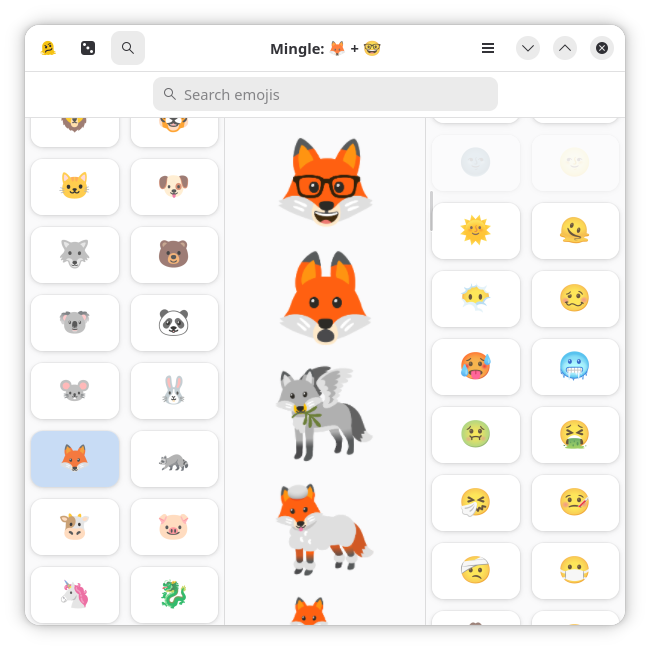
If you've ever used the Emoji Kitchen tool built into Google's Gboard keyboard app for Android, then you know how fun it can be to make mashups of emojis. The Mingle app gets you that emoji kitchen directly on your Linux desktop.
For the uniniated, Emoji Kitchen lets you choose two emoji and remix them into a "new" emoji. Combine a thinking-face emoji with a chili emoji and you get a thoughtful pepper. Select the skateboard and the ice cube and you get a skateboard preserved in ice. The possibilities feel endless.
When you find a combination you like, just click it to copy it to your clipboard, and then you can paste it into whatever messaging app you're using to share it with friends.
Why I like it
Mingle is just fun. For privacy reasons, I don't use Gboard on my Android phone, so I'd be missing out on the joy of generating a corn volcano.
How to get it
Mingle is available as a Flatpak from Flathub. You can also find it in AppImage format by visiting the GitHub release page.
I recommend apps every week, so check out the archive and subscribe to the newsletter to make sure you don't miss out on any cool software.