Try a new Linux app: 3 more worth installing
This weekend we're zooming in on maps and multiplexers.


Every week I find more apps that are worth trying on your Linux laptop or PC. These three are legitimately useful and fully open source.
CoMaps: Offline route planning
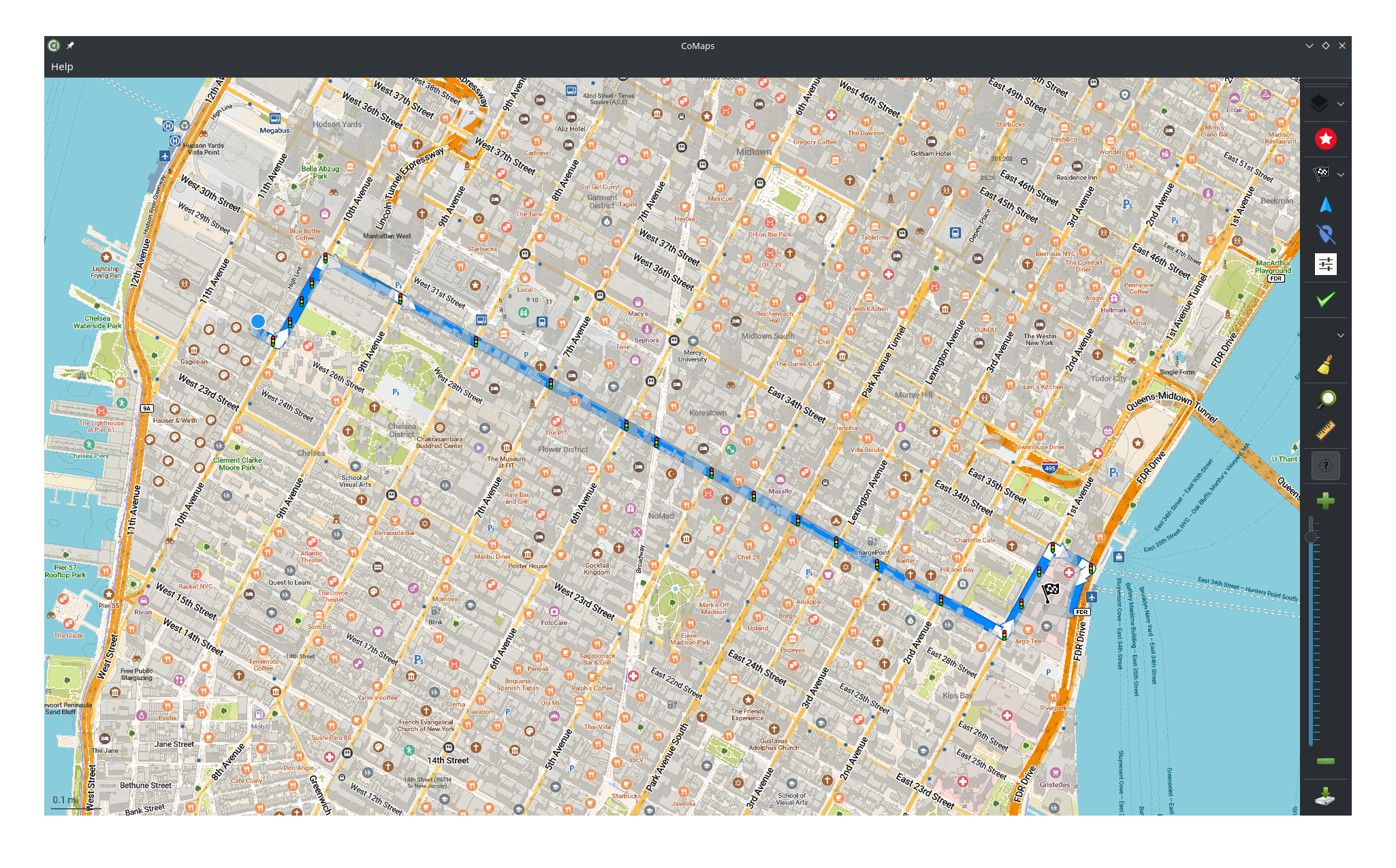
If you often use Google Maps to plan routes on your PC but would like to switch to something open source and completely de-Googled, try CoMaps. Rather than using Google's map database, it uses open source OpenStreetMap data, so Google doesn't know where you're planning to go.
If you like contributing to open source projects, CoMaps also lets you edit OpenStreetMap data and upload your edits directly from the app.
Why I like it
CoMaps gives me the tools to plan a route ahead of a trip while staying off the grid. You can download maps to your PC and use them completely offline. You can search for destinations, add stops, and otherwise modify your perfect route how you like.
Actually, I already use CoMaps on my Android phone for navigation out on the town. If for some reason I'm not going to have access to my phone's GPS capabilities, though, CoMaps is what I'd use to stay private.
However, I will note that CoMaps for Linux doesn't give you a list of step-by-step directions. You'll have to craft those yourself by looking at the route.
How to get it
CoMaps is available from Flathub, so searching your software browser will likely bring it up for you. Arch users can also get it from the AUR with paru -S comaps.
KMag: Zoom in on anything
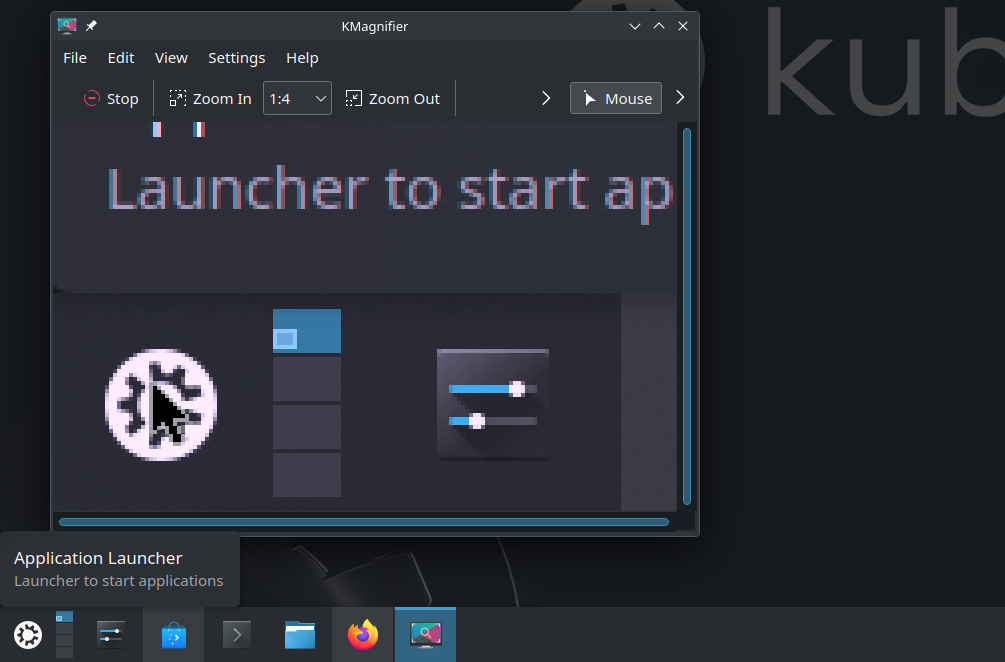
Sometimes while I'm working on projects, I'm too far from my computer for it to be readable, yet I want to be able to see what's on-screen without walking up to it. In those situations, KMag (sometimes referred to by its full name KMagnifier) comes in very handy.
Why I like it
KMag is more than just an accessibility tool. It's very versatile with a lot of different settings, including the ability to show or hide the mouse, to zoom the screen as a whole, or to zoom in at various levels.
I also like that it lets me take screenshots of the zoomed content and switch modes with keyboard shortcuts.
How to get it
KMag is available widely across Linux distributions, so a simple search of your software browser should bring it up. You can also install it from your terminal with one of these commands:
sudo apt install kmag #Debian and Ubuntu
sudo dnf install kmag #Fedora
sudo pacman -S #Arch
sudo zypper install kmag #openSUSE

I publish Linux news and recommendations without paywalls, without corporate sponsors, and with full-text RSS. To keep doing this, I need support from readers. Consider a paid subscription to make sure independent Linux journalism continues.
tmux: Multiple terminals in one terminal
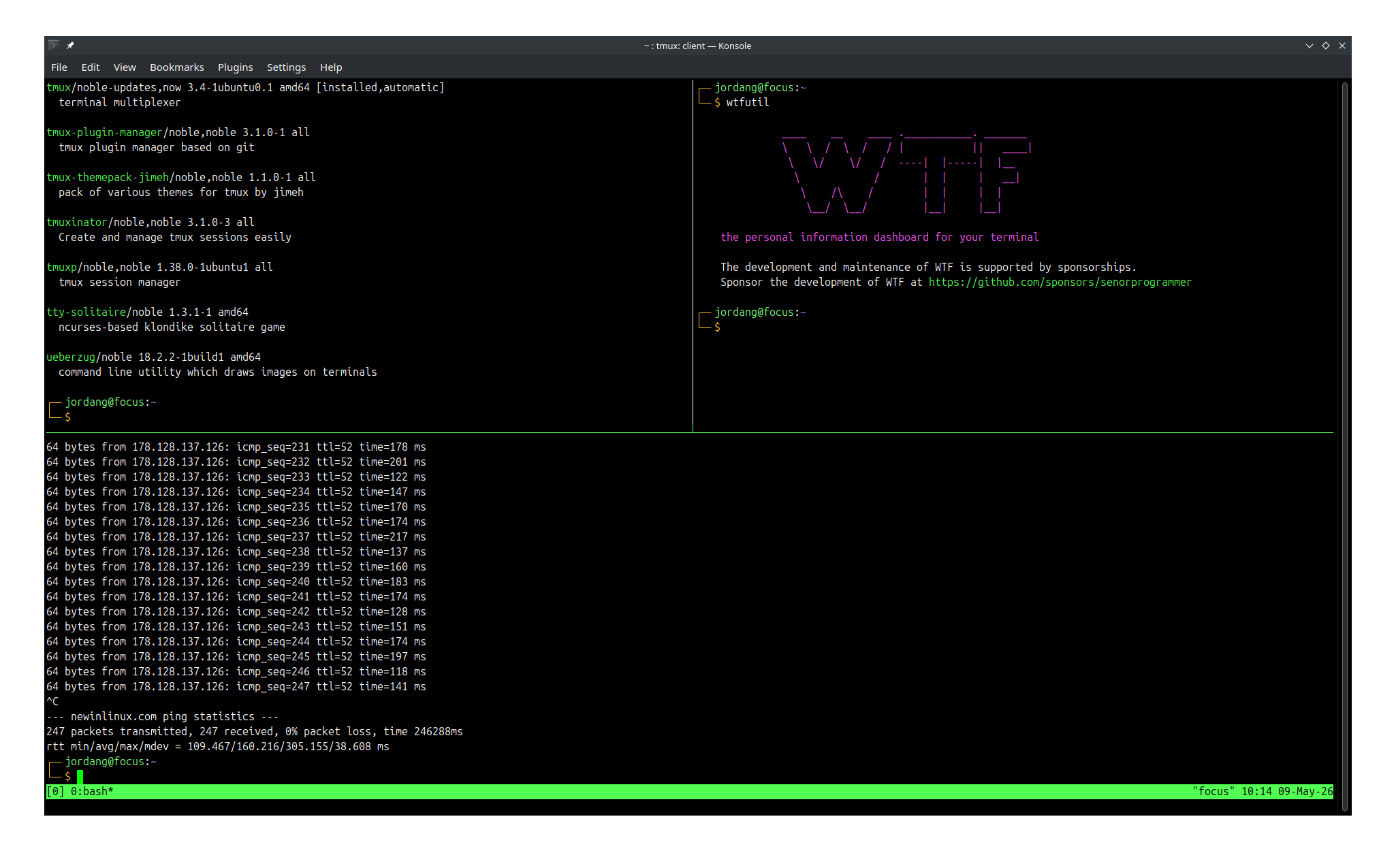
If you often work with multiple terminal emulator windows and wish you could reduce the amount of Alt+Tabing you have to do to manage them, then tmux might be right for you.
It's called a terminal multiplexer because it lets you view and interact with multiple terminals in one window. Each is independent from the others, meaning you can be SSHing into a server in one window, managing local packages in another, and watching a dashboard in a third.
Why I like it
The tmux app is extremely powerful and flexible, so I haven't even discovered everything yet. However, I like that tmux lets me keep server connections going regardless of where I am. A single tmux server is accessible from multiple clients, so leaving the computer where tmux is running doesn't necessarily mean leaving your session.
Another reason to love tmux is that it just simplifies your desktop. Each terminal window you have open can be reduced to an individual pane among many in tmux.
Interestingly, tmux was just ported to the Rust-written independent operating system Redox OS that hasn't even seen a full release yet. That's how popular it is.
How to get it
The tmux app is widely available across Linux distributions. Just search your software repositories for it, or use one of these commands:
sudo apt install tmux #Debian and Ubuntu
sudo dnf install tmux #Fedora
sudo pacman -S tmux #Arch
sudo zypper install tmux #openSUSE
If none of these apps cuts the mustard for you, don't worry. I have an archive of Linux software recommendations you can check out.