3 Linux apps to try on your new Linux PC
This week I'm trying a graphics editor, a MeshCore interface, and a terminal-based typing game.


If you, like many, recently installed Linux on a computer for the first time, you may be wondering what you can do with it. "A lot" is the answer, but here are just a few examples of free and open source apps for Linux you find useful.
LibreOffice Draw: Drawing diagrams made easy
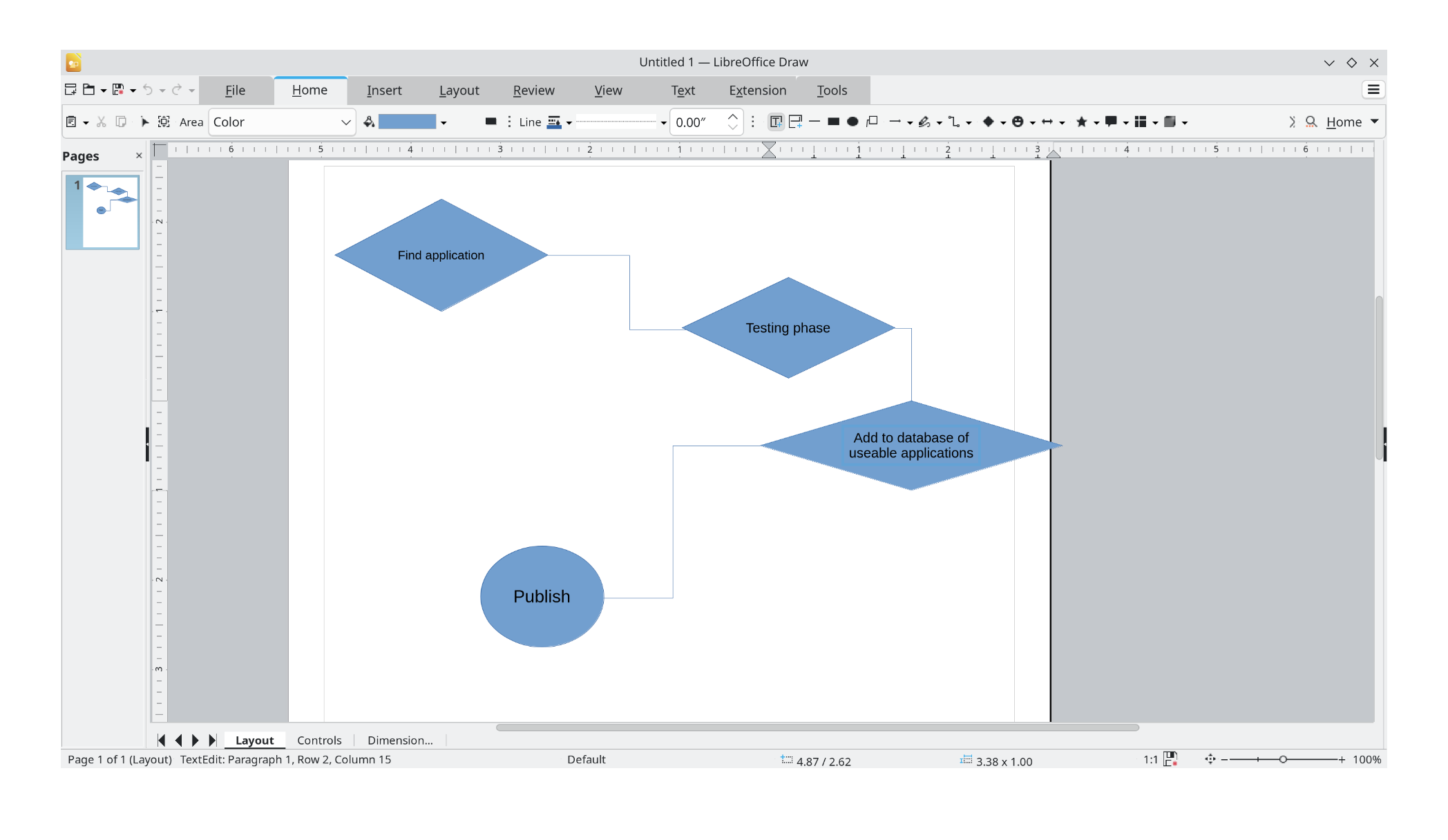
I rarely write about LibreOffice apps in my recommendations simply because they're sort of ubiquitous already. The LibreOffice productivity suite is preinstalled on many Linux distributions, so it doesn't really seem worth telling anyone about. They're just there.
Still, I wanted to take a moment to highlight LibreOffice Draw. It's the part of the suite meant for designing brochures, charts, diagrams, and other vector graphics-heavy work.
Why I like it
It has many uses, but this week I found Draw useful for quickly throwing together flow charts for business planning purposes. The basic drawing tools let you make a quick shape and then immediately start typing to label the object.
So while you may find LibreOffice already on your system, maybe don't ignore the apps that aren't Writer and Calc like I have been.
How to get it
LibreOffice Draw is widely available across Linux repositories, typically bundled as part of the standard LibreOffice suite. You can search your distro's software browser for it, find it on Flathub, or use one of these commands to install it if you prefer:
sudo apt install libreoffice #Debian and Ubuntu
sudo dnf install libreoffice #Fedora
sudo pacman -S libreoffice-still #Arch
sudo zypper install libreoffice #openSUSE
Meshy: A graphical MeshCore client
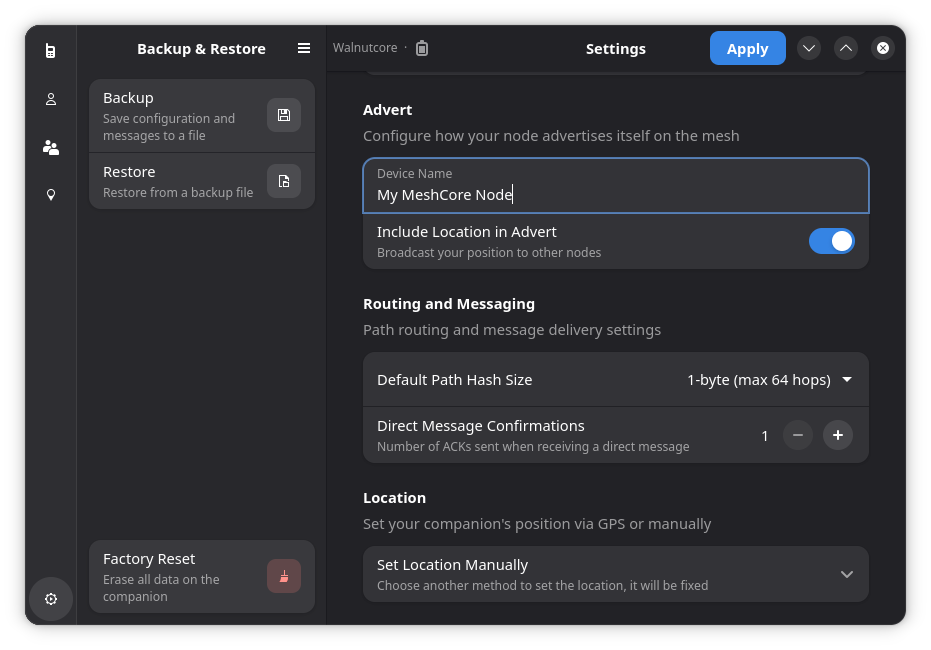
If you, like many tech enthusiasts and survivalists, are looking into LoRa-based mesh communication protocols like Meshtastic, MeshCore, and Reticulum, you might find the variety of interface options overwhelming.
For Linux users, though, the options are more limited. With the MeshCore protocol, one of your options is the Meshy client. It replaces the web app and CLI, letting you interact with and control a node from a dedicated application.
Why I like it
The MeshCore web app, in my experience, is finicky, especially on Firefox. That's why I was happy to find a workable replacement. I initially had problems getting it configured, but when I reported the issue to the Codeberg repository, the problem was quickly patched, and since then it's been smooth sailing on the MeshCore network.
 Jordan Gloor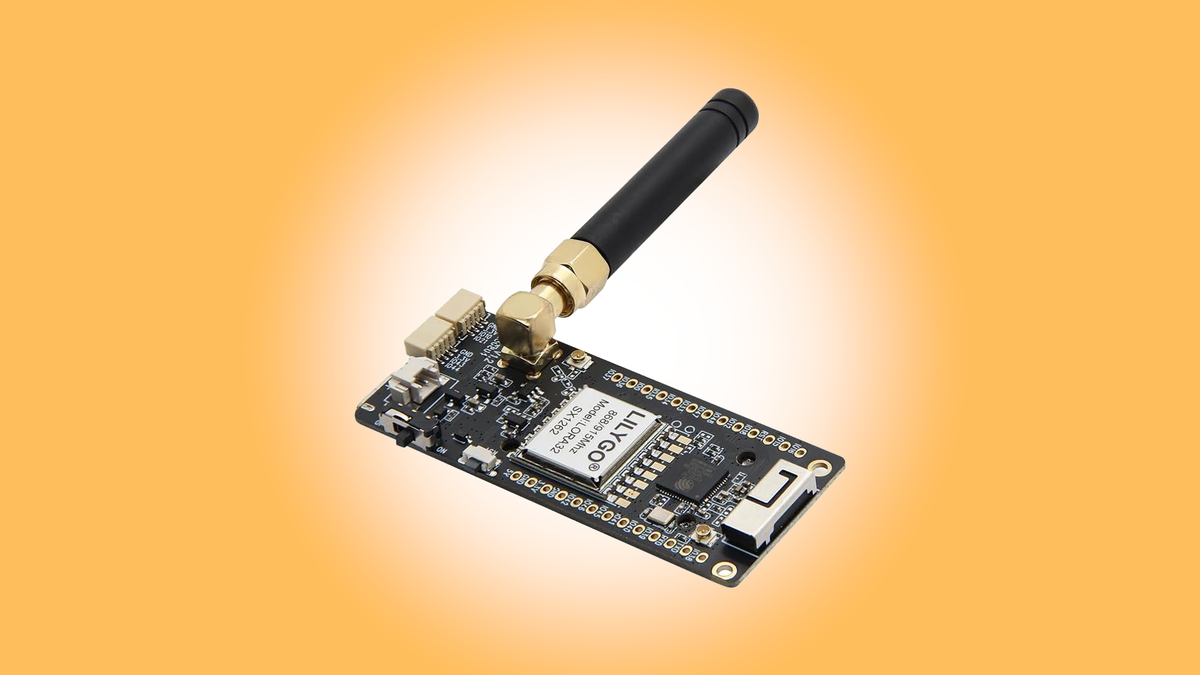
MeshCore was actually in the news recently.
I'd probably like Meshy even more if I were a GNOME person, since the app is designed with GTK4 and Adwaita.
How to get it
Meshy is available as a Flatpak, though it's not yet in the Flathub store. That means you'll need to add the official repository to your flatpak system with these two commands:
flatpak remote-add --if-not-exists meshy https://meshy-app.org/meshy.flatpakrepo
flatpak install meshy page.codeberg.sesivany.Meshytttui: Practice typing in the terminal
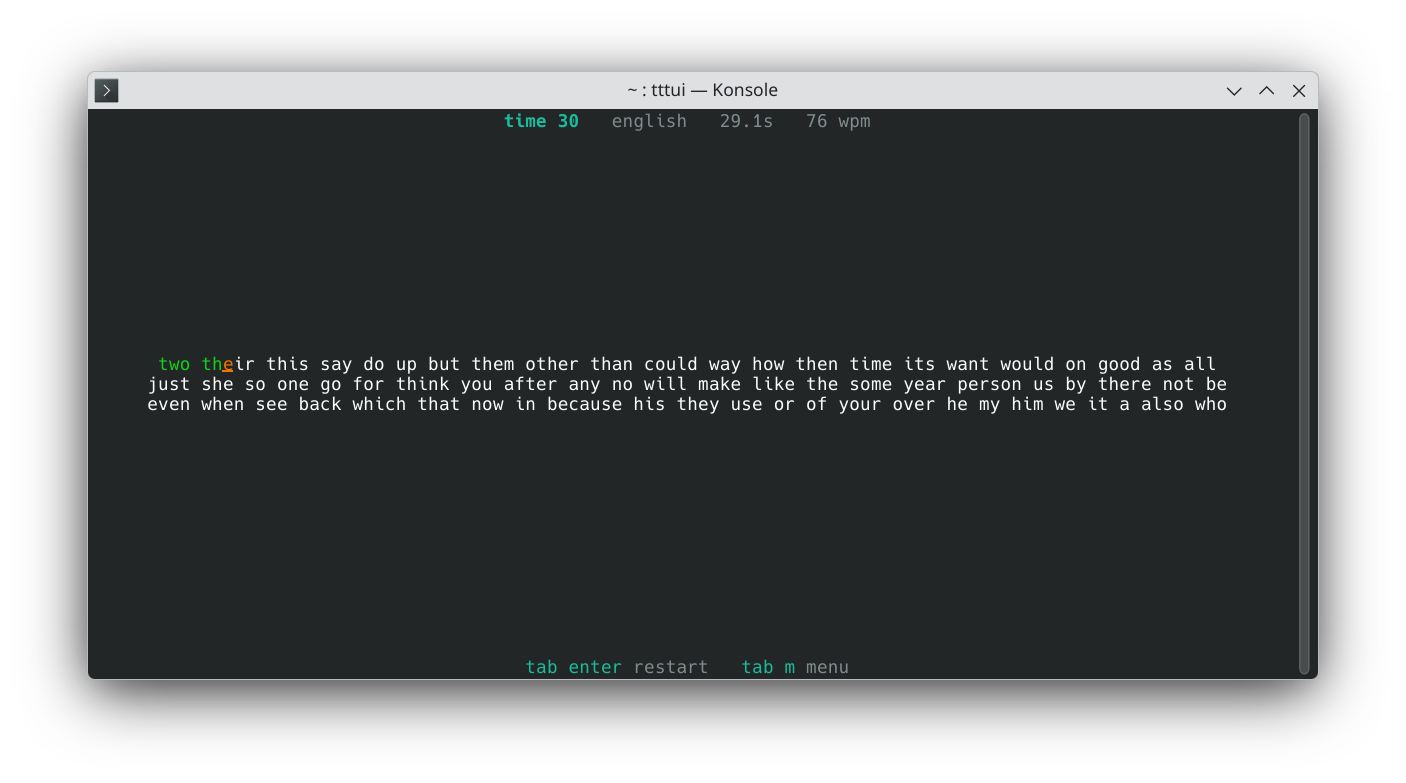
Do you like practicing typing, or maybe you just want to check how fast your typing average is? There are many graphical free and open source out there hearkening back to the Mavis Beacon, but if you prefer lightweight terminal applications over graphical ones, consider tttui.
The tttui program is a minimalist typing app for the terminal that lets you do timed exercises by default. You can also switch modes to practice repeatedly typing words, punctuation, numbers, and quotes. It supports four different languages to type in: English, Spanish, Japanese, and Italian.
Why I like it
For the focus that typing practice requires, the minimalist environment created by the terminal feels ideal. Also, tttui written in Rust, making it extra efficient.
How to get it
The tttui program is available as a binary for Linux through the GitHub release page, or from Crates.io through the cargo software manager. Use these commands to install and run it:
cargo install tttui
tttui
Those are all the apps I have this week. To make sure you don't miss any recommendations, check out the archive, and also subscribe to my newsletter to get them in your inbox every week.