These Linux distros still run on 32-bit hardware in 2026
Plus, what to expect when you install it.

Are you trying to find an up-to-date Linux distribution that will run on your 32-bit (i686) computer? Here's a simple guide to your options.
Read this first!
Before you pick a Linux distro for your 32-bit hardware, there are several things you should keep in mind.
Support is drying up
I've been following Linux news for years, and dropping 32-bit support has been a trend since the mid-2010s. Some of the old stalwarts, like Debian and Linux Mint, have abandoned 32-bit in their latest releases. While a few are yet to indicate a plan to follow suit any time soon, there's no telling how long they'll hold out.
Be patient
The Linux kernel itself has dropped support for 32-bit hardware in its latest releases. The distributions I'm listing here are sometimes adding support back in, manually. This takes time and effort, so 32-bit releases may not get priority in bugfixes and new releases.
Also, consider donating to these projects, as they pick up a lot of slack. You can contribute financially or provide other support like documentation assistance.
Prepare for issues
If you're trying to revive an old computer for the first time, keep in mind that a lot of modern software is not written to run on 32-bit operating systems. You may have trouble accomplishing what you want to get done, even if the operating system supports 32-bit.
Just running 32-bit software? Try this
If the only reason you're running a 32-bit processor is that you have software that doesn't run on 64-bit processors, consider skipping the 32-bit architecture altogether. Some distributions, like Debian 13 and AlmaLinux 10.2, give you access to 32-bit userspace packages. They let you run apps meant for 32-bit on 64-bit processors.
The complete list
Below are all the distributions of reasonable reputation that I could find still offering fully supported 32-bit images.
Alpine Linux
Alpine Linux is one of the few Linux distros still supporting 32-bit that isn't a Debian fork, as you'll discover as you keep reading this list. For better or worse, it's also one of the most technically-minded distros, meaning its installation and configuration is far from novice-friendly.
To that end, the downloads page gives you a lot of options, so be sure to check out the Alpine handbook. Note that the 32-bit images are labeled simply "x86", while their 64-bit cousins are labeled "x86_64".
antiX Linux
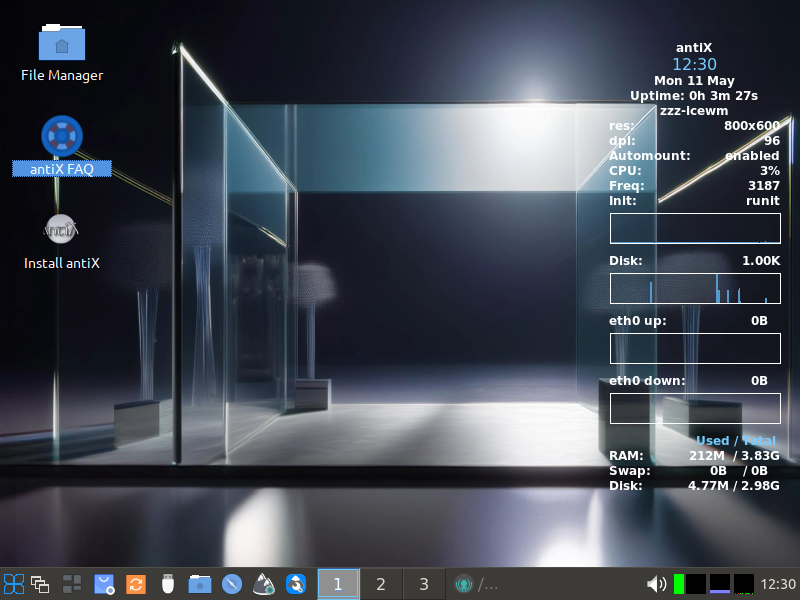
The antiX Linux distribution is meant to be accessible to everyone with its tiny footprint and general-purpose environment. Debian makes up antiX's package base, but unlike Debian, antiX doesn't use systemd and instead lets you choose between runit, Sysvinit, and a few others.
You can download antiX in either its "core" form for just the command linem or its "full" form for a complete desktop. Both are available for 32-bit architectures.
Debian 12
Debian is one of the oldest running Linux distributions in existence. It prioritizes stability over everything else, and while 32-bit support disappeared with Debian 13 released in 2025, you can still use earlier versions of Debian.
Debian 11 is one such version, but it stops receiving security updates on August 31, 2026. That's why I'm recommending only Debian 12, nicknamed "Bookworm." You can safely keep using it until June 2028.
Devuan (until 2028)
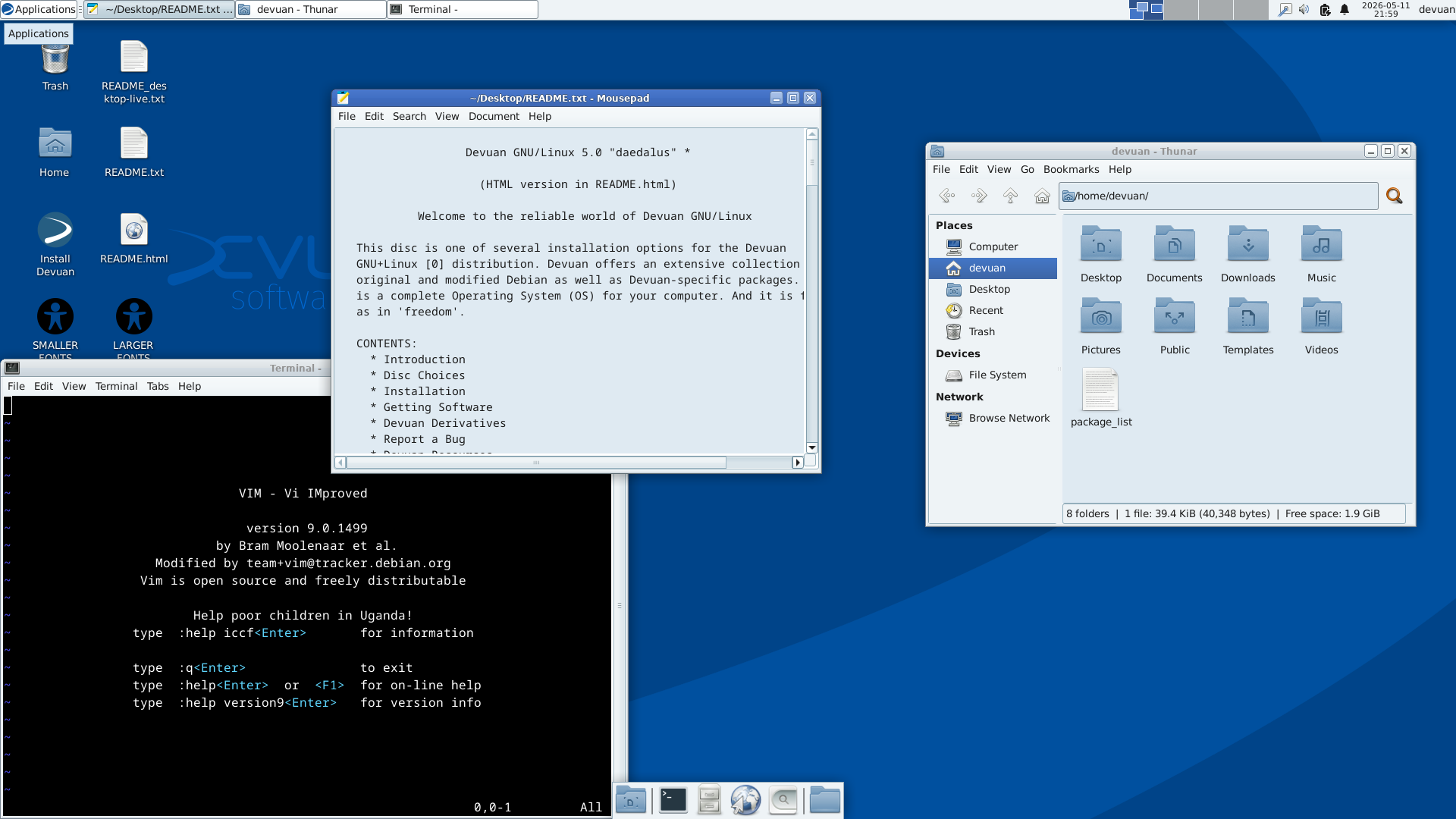
Devuan, like antiX, is Debian-based while offering an escape from systemd. It also offers 32-bit images in its "Daedalus" images, which are based on Debian 12. For that reason, you can only expect to keep using it until June 2028.
Emmabuntüs DE 5 (until 2028)
Emmabuntüs is yet another Linux distribution based on Debian, and it stands out from the rest with its emphasis on accessibility and on restoration of older computers that were otherwise headed for the landfill. To that end, it's still supporting 32-bit computers with its "DE 5" series, which is based on Debian 12. Again, you can expect to keep getting updates on Emmabuntüs DE 5 until at least June 2028.
 Jordan Gloor
MX Linux (until 2028)
Noticing a pattern? MX Linux is another Debian-based distro that still has an officially supported image for 32-bit, though only until long-term support for Debian 12 (which MX Linux 23 relies on) ends in June 2028.
Q4OS (until June 2028)
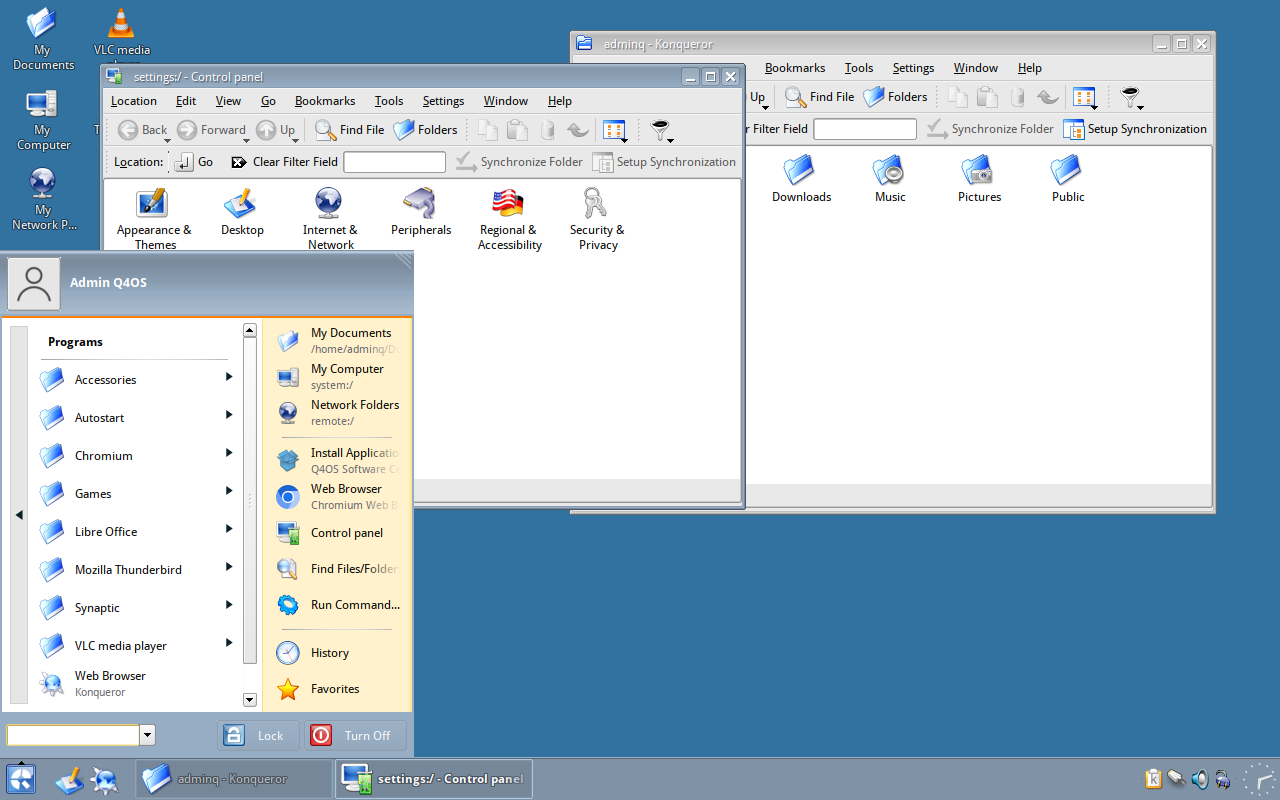
Another of Debian's descendants, Q4OS is a little more unique than others on this list thanks to its mainline support for the Trinity Desktop Environment. It prioritizes friendliness for non-techie users and those comfortable with the XP or Vista era of Windows.
As with most others, Q4OS' last 32-bit image, nicknamed "Aquarius," is the Debian 12-based edition that won't be getting security updates after June 2028.
Void Linux
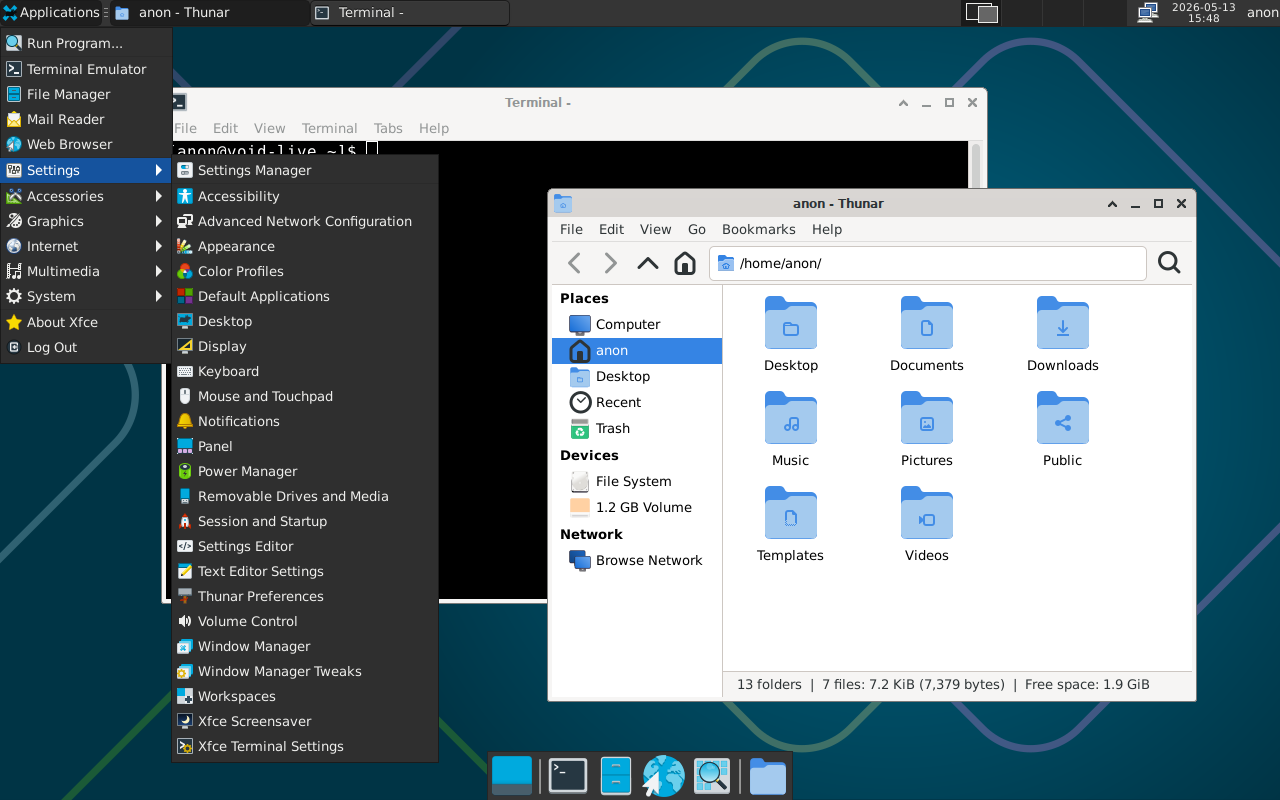
Void Linux, like Alpine Linux, stands on its own as an independent distribution that isn't forked from Debian or any other distribution. It uses OpenRC instead of systemd, so if you're coming from a mainstream systemd distribution, there might be a bit of a learning curve.
The 32-bit (i686) image is available in both "core" and "xfce" images, which give you a command line-only and pre-configured Xfce desktop experience, respectively.
Full disclosure: Since I don't have a 32-bit computer right now, I wasn't able to test any of these outside of a virtual machine. If you successfully installed one of these distros on real hardware, share about it in the comments so others can learn from your experience!