KDE's digiKam now works better with Pixel phone photos
digiKam 9.1.0 brings support for Pixel Motion photos, time zone metadata, and improved facial recognition.


The digiKam team has announced the release of digiKam version 9.1.0, which adds new features and improves overall functionality. These are the most important updates in the professional image manager living in the KDE family of open source software.
What's new
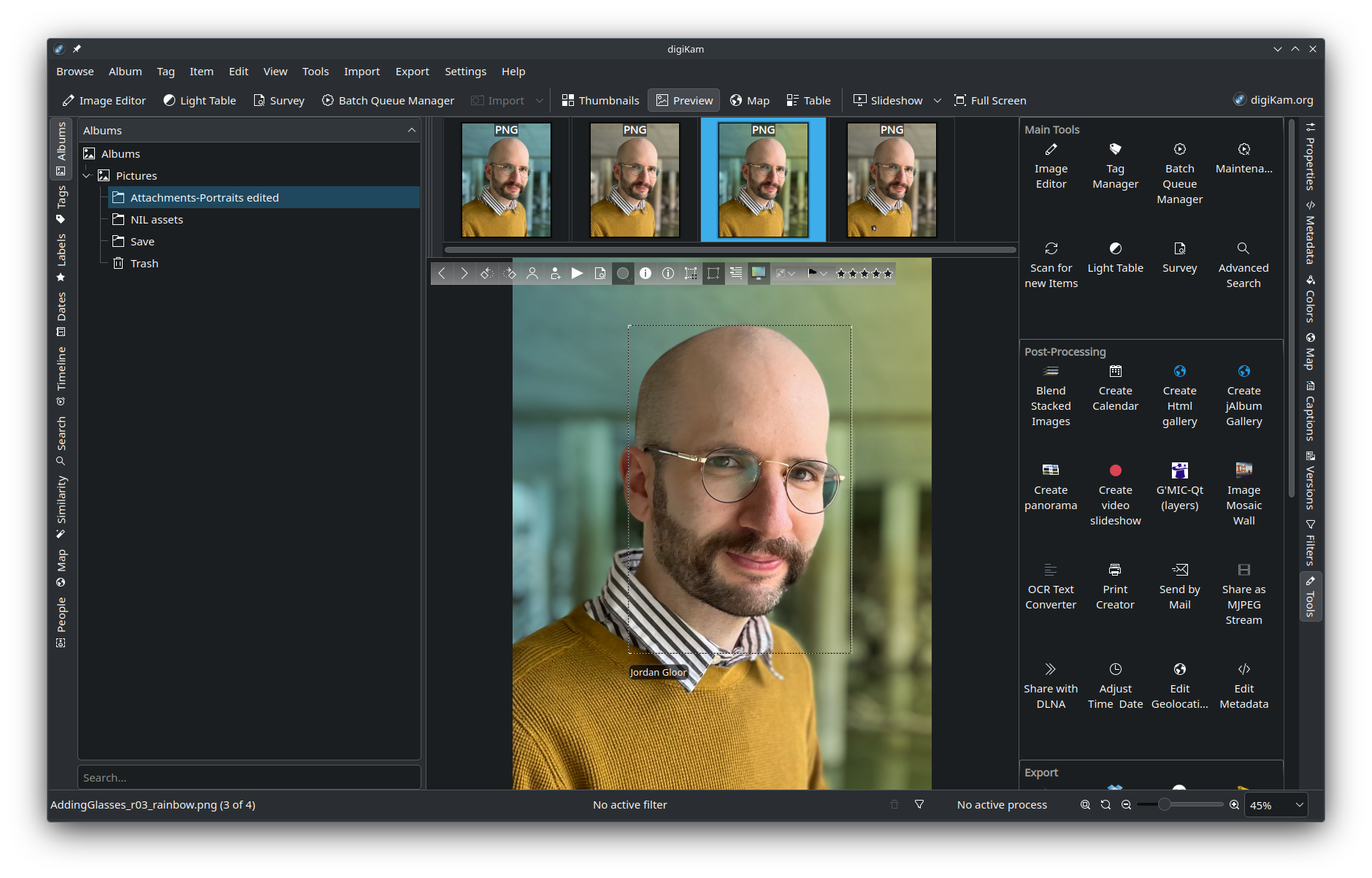
- Pixel Motion photos: Photos taken with a Google Pixel phone while the "Motion Photo" setting is enabled can now be properly rendered with digiKam.
- Motion Photos are ones with brief video captured before and after the primary shot, generating an image experience similar to the iPhone's "Live Photo" feature.
- Time zone support: The database can now handle regional time zones, making it easier to organize and display photo metadata in the local time.
 KDE
KDE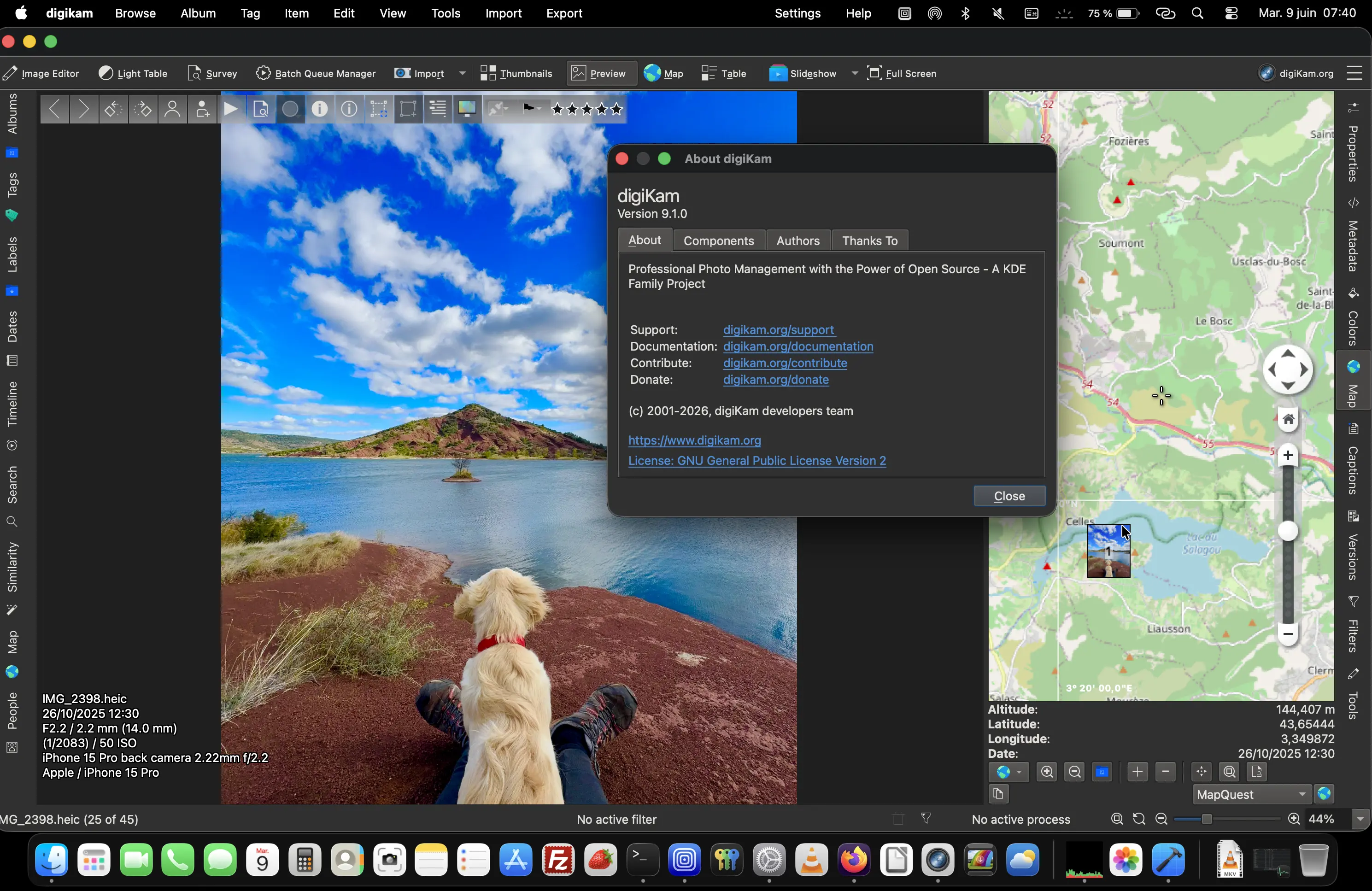
What's getting better
- The framework components: The Qt6 version for Linux was bumped to Qt 6.11.0 and KDE Frameworks 6.26.0, while the still-supported Qt5 version is now at Qt 5.15.18 and Frameworks 5.116.
- Facial recognition: The "Scan for Faces" feature now works better, including support for low-resolution photos and a fix for issues with image detection on AMD Radeon RX 470 graphics cards.
- RAW photo support: The LibRAW engine has been upgraded to version 20260523, which brings with it enhanced performance and support for more cameras.
- Database migrations: Issues with MariaDB migrations have been resolved, including an issue where some images would disappear after a database upgrade.
What's coming soon
The announcement post noted that the digiKam project will be moving toward more AI-powered editing and detection tools. More database performance enhancements are also planned, and support for the Qt5 edition will soon go away.
 Jordan Gloor
Zooming out
Why this update matters: One of the sticking points for people considering a switch to Linux is a lack of professional-grade software, especially for creators. The digiKam app's further development catering to professionals reduces that sticking point.
My take: Since I'm not a photographer, I've not used digiKam much. Trying out this version though has made me think I could be missing out, even just for everyday phone photo organization.
Diving in
The fineprint: You can read the full digiKam 9.1.0 release notes to learn about more bug fixes and enhancements I didn't cover here.
Get it now: If don't have digiKam installed from your Linux distro's software repositories, or if the package version is out of date, you can visit the digiKam 9.1.0 repository to download the latest release in AppImage form. While it hasn't been updated to 9.1.0 yet, you can also download digiKam from Flathub.