Meshy, a Linux-native MeshCore client, is looking better
In addition to a new app icon, the app for LoRa mesh communications also brings improvements for region selection and for message routing.

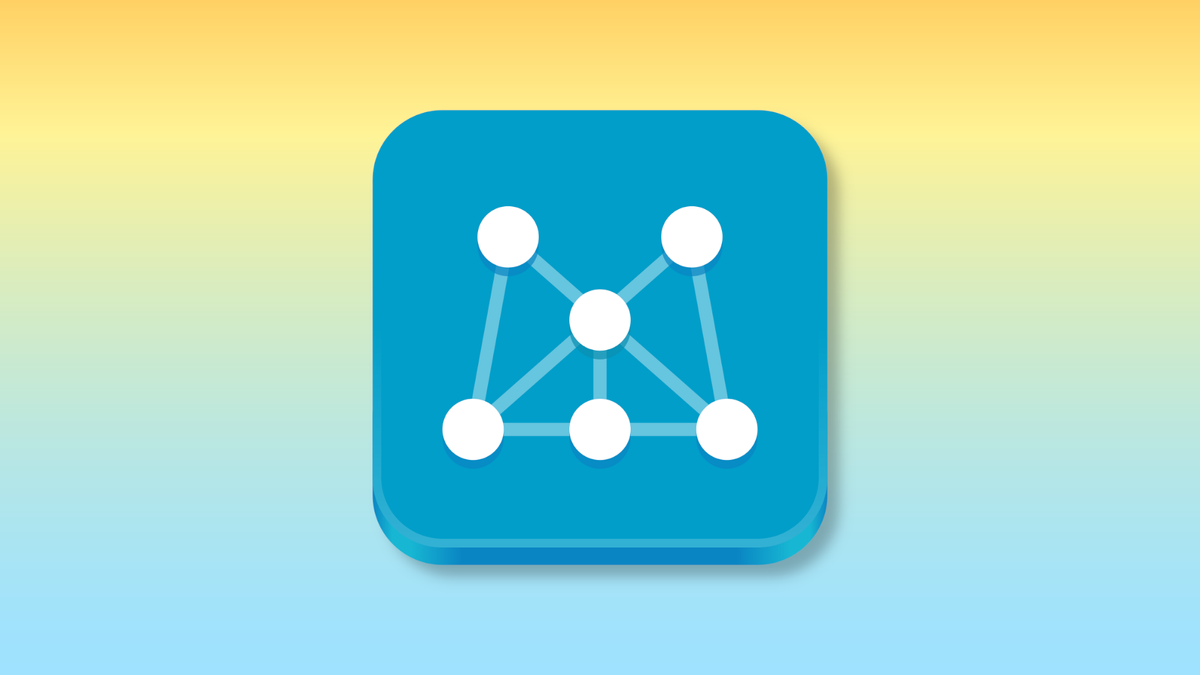
Over the past week, the Linux app Meshy, which lets you control and interact with MeshCore networking devices, was updated with a new, GNOME-friendly app icon and several new features.
Right at home in a GNOME desktop
In version 26.07.1 of Meshy, the app icon was replaced with a redesigned version from graphic artist and Linux contributor Hylke Bons. The new version of the icon is more in line with the simple, geometric motifs used in the GNOME desktop environment. The old version looked more like a macOS icon.
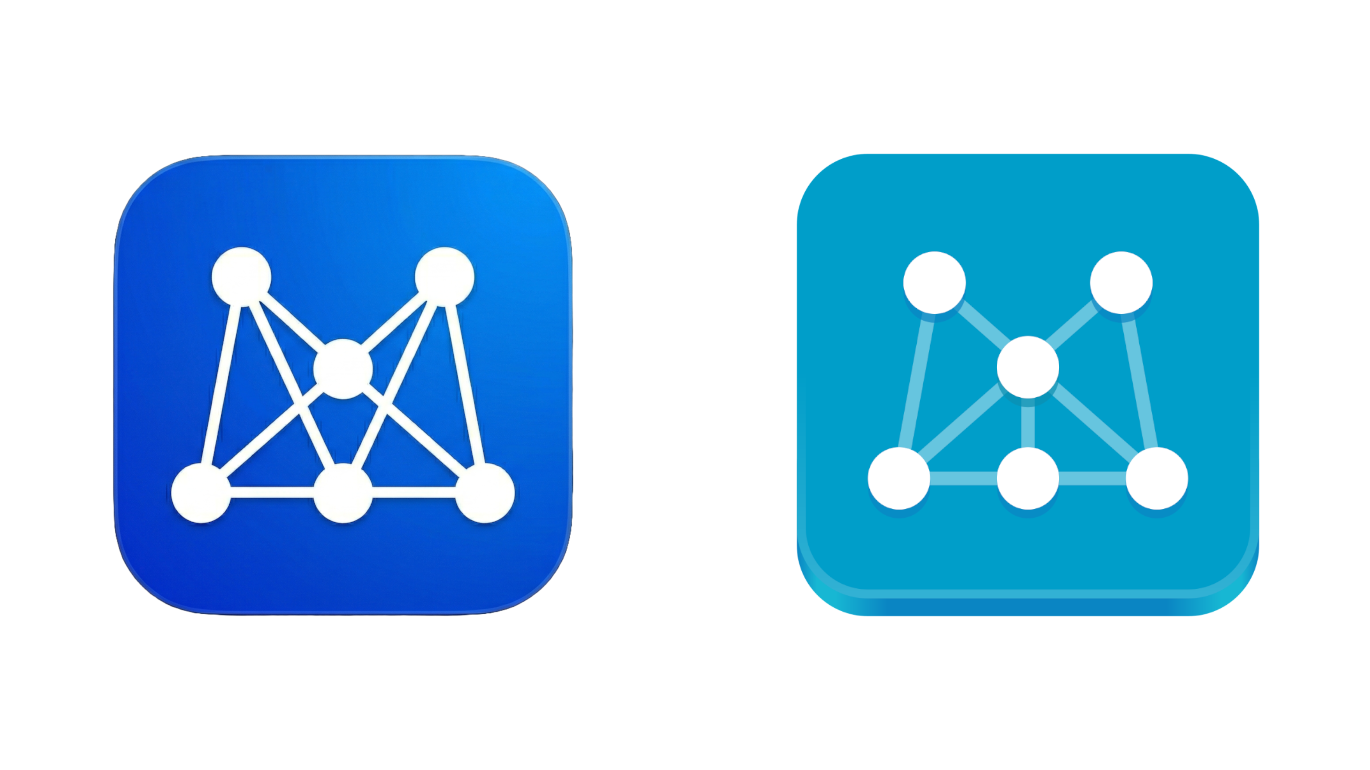
The icon is also designed and built into the app as an SVG file, meaning it scales better than the previous, PNG, one, so it should appear on your desktop more correctly.
 Hylke Bons 🥜
Hylke Bons is a prolific artist, having contributed in the past on projects for Red Hat and Intel, and on the VS Code project. He's been on a sprint this year designing icons for many open source apps, such as Bobby, which just became a GNOME Circle app.
What else is new
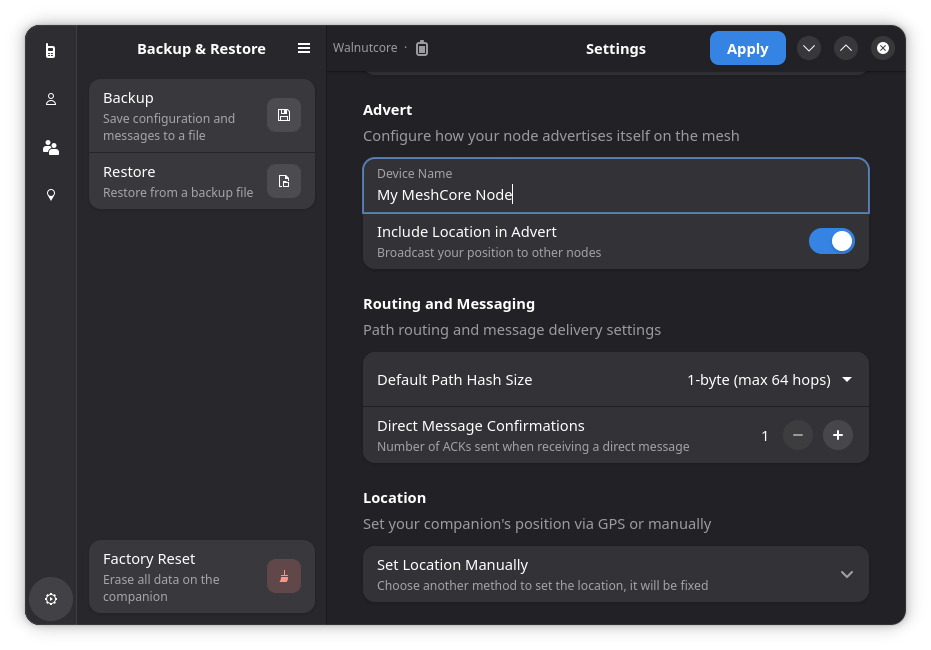
While version 26.07.1 introduced the app icon, version 26.07.0 brought a lot of interesting new features a few days earlier. They included:
- Smart routing: Data routes will now be chosen based on history. The more reliable a node is, the more likely it is to be used again.
- Region discovery: You can now query local nodes for information about local regions and use that to decide which region to use. Nodes can be assigned a specific "region" to help keep local conversations limited to the local area.
- In-message hop counts: You can now see the hop counts (the number of nodes involved in the transfer of data) on messages you receive in Meshy. This gives you an idea of how distant a node is, at least in terms of routing.
- Non-Linux support: You can now use Meshy more reliably on other Unix-like operating systems, such as FreeBSD. That includes experimental support for macOS.
 Jordan Gloor
Zooming out
Why this announcement matters: MeshCore is one of multiple LoRa-based communication protocols that is accessible with some cheap hardware, isn't owned by a corporation, and can operate completely independent of cell towers, Internet connections, or satellites.
- By the way, this update comes at a tumultuous time in the wider MeshCore community. The project split earlier this year over a disagreement on vibe-coding, and since then a trademark dispute has erupted.
My take: I noticed the tray icon for Meshy on my desktop changed the other day, so I was curious to find out what was changing with the app. In any case, I hope advances in open source clients like Meshy result in more community cohesion through the split.
Diving in
Go further: You can read the release notes for Meshy 26.07 on Codeberg to find out about more new features and improvements.
Get it now: Meshy is available for Linux users on Flathub. If you have a Mac, you can get a DMG file from the Readme on Codeberg.