Nvidia Geforce NOW is a Flatpak for Linux. Installing it is easy
Along with its exit from beta, the Linux-native edition of Geforce NOW can be downloaded from an Nvidia-official Flatpak repository.


Nvidia announced today that its Linux-native version of the Geforce NOW cloud gaming app has not only exited beta but also debuted as an easy-to-install Flatpak. These are the details.
Game streaming on Linux, simplified
The popular game streaming app Geforce NOW is now available to install through the Linux-native software Flatpak system.
- Flatpak apps are sandboxed for security and don't rely on dependencies like regular Linux software does, so long as the Flatpak framework is installed. They also recieve updates directly from the repository owner.
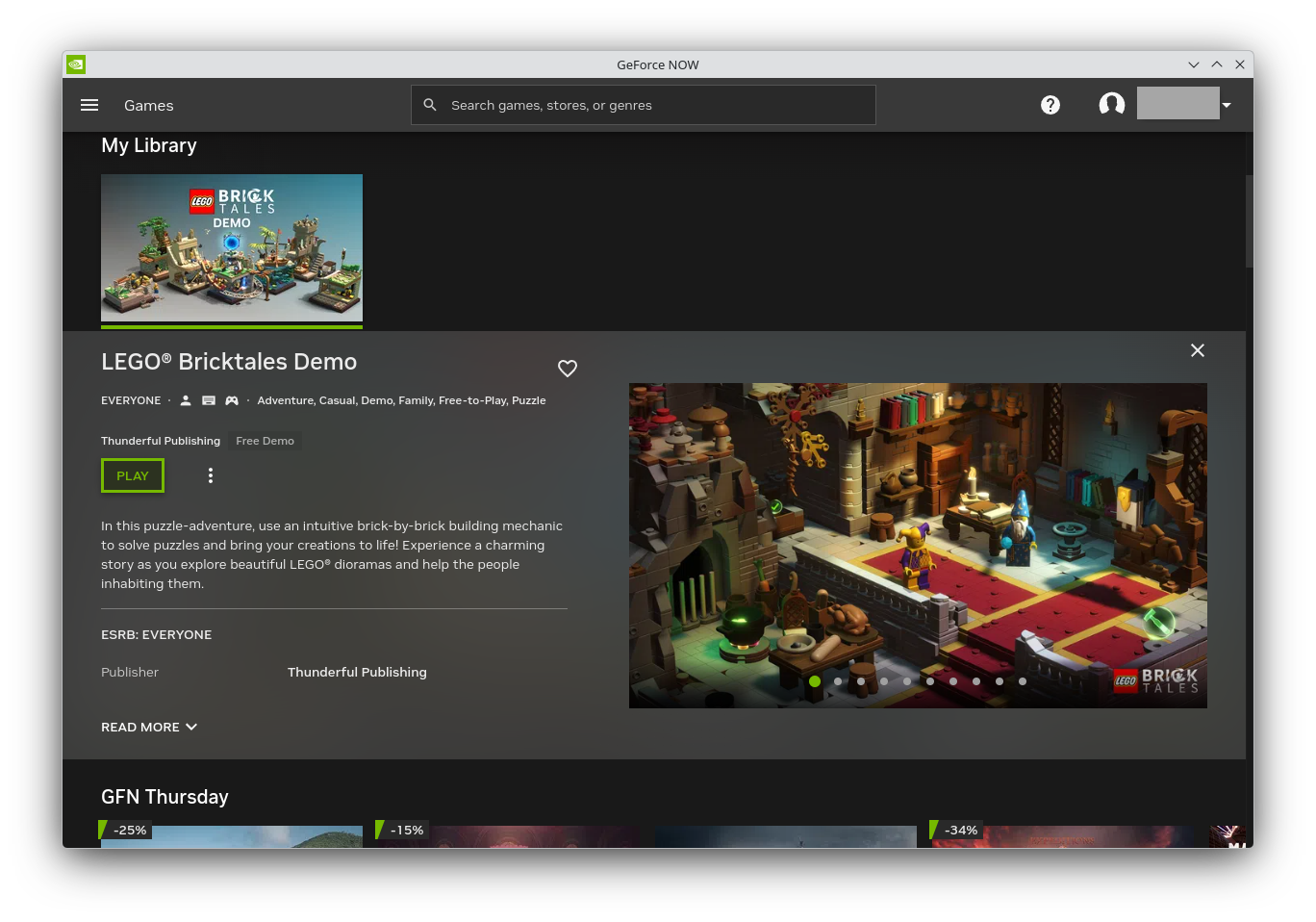
Importantly, Geforce NOW currently requires an X11 window session if your PC is using an Nvidia graphics card. For that reason, Nvidia notes that the popular Ubuntu 26.04 LTS in particular is not yet supported. Its GNOME desktop environment dropped support for X11 entirely in favor of Wayland.
- The KDE-sporting Kubuntu 26.04 LTS still allows you to switch to an X11 session, so you'll likely have better luck there.
- Folks using AMD and Intel graphics cards can safely game in a Wayland session.
What else: The announcement from Nvidia also explained that the Geforce NOW app across platforms has been optimized for better framerates. Plus, there's a new "Chromebook Fast Pass" program that gives Chromebook owners a free year-long GeForce NOW subscription.
How to install it
You won't find Geforce NOW in the popular Flathub repository that you might already have connected to your software manager. To get it, you first have to add Nvidia's official Flatpak repository by copying this command into your Linux terminal:
flatpak remote-add --user --if-not-exists GeForceNOW https://international.download.nvidia.com/GFNLinux/flatpak/geforcenow.flatpakrepoThen, run this command to install Geforce NOW itself:
flatpak install --user GeForceNOW com.nvidia.geforcenow Jordan Gloor
Zooming out
Why this announcement matters: The previous method of installing Geforce NOW on Linux involved downloading a BIN file, making it executable, and walking through an installation wizard. The Flatpak approach is much simpler.
My take: The system requirements for Linux only mention Ubuntu, but I had no trouble installing the Flatpak and playing games on Geforce NOW with Arch Linux-based CachyOS.
Diving in
Go further: Read the official announcement from Nvidia for more details, including a list of games that will debut this week on Geforce NOW, such as Hell Let Loose: Vietnam, Car Wash Simulator, and Pax Autocratica.