What's new in Ubuntu 26.10 "Stonking Stingray" (out now)
With an expected in mid-October, the next Ubuntu release will have enhancements that will benefit those who have lots of Teams meetings and who like speaking to type.

The next major release for Ubuntu, version 26.10, carrying the nickname "Stonking Stingray," is here. This simple breakdown shows what the average person installing this release can expect.
Why this update matters: While it isn't a long-term support release like Ubuntu 26.04 was, and will only be supported until July 2027, this one will mark a significant step forward for the exceptionally popular Linux distribution.
What's new
You can expect a lot new in Ubuntu 26.10, including a refreshed desktop environment (that's the look, feel, and layout of the desktop), enhanced accessibility, and improved technical controls.
GNOME 51
Trying motion reduction in Ubuntu 26.10 (Snapshot 3)
This Ubuntu release will debut an upgraded version of the GNOME desktop, moving to version GNOME 51. (The previous Ubuntu release came with GNOME 50). It'll feature enhancements like hardware acceleration for Remote Desktop on devices with AMD graphics cards, integration with Microsoft Teams meetings in the Calendar app, and a fingerprint management feature in Control Center.
The desktop has also been optimized for screencasting, and a new accessibility feature lets you reduce animated motions in one click, as you can see my toying with in the video above.
Speech-to-text typing
This version of Ubuntu will have a voice dictation feature built into the desktop. It's called Myna, and it lets you type text into just about any field by speaking into the microphone after hitting the Meta+T shortcut, which activates Myna's listening.
- It works similar to the speech-to-text feature that Windows has had for many years, but it prioritizes privacy. To that end, you'll need to download a large model file that Myna will use to process your speech.
- Joey Sneddon over at OMG Ubuntu has a good hands-on demonstration with the tool, for the curious.
"Ubuntu Certified" checks
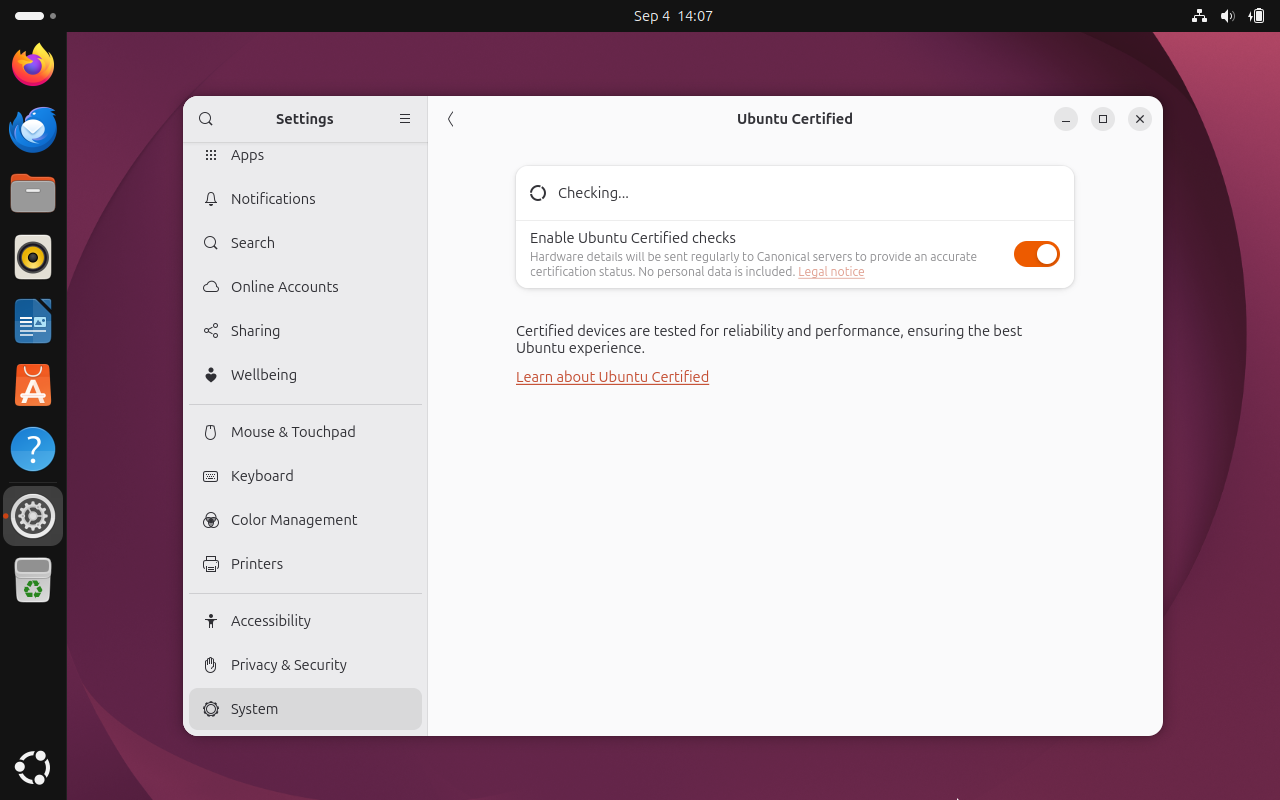
Now when you check for information about your device, you can allow Canonical to remotely verify that your device is "Ubuntu Certified," meaning it's guaranteed to run Ubuntu properly and reliably.
This is totally optional, though. You'll probably know from using it whether Ubuntu is working or not.
Window-snapping dropdown
When you click and drag windows in your desktop, Ubuntu will drop down a small white of various window layouts. If you drag the window to one of those menu options, it will automatically arrange your windows according to that layout.
- This works much like Windows 11's window snapping feature.
Official RISC-V desktop images
Ubuntu 26.10 will have official desktop image downloads for RISC-V computers. This will be a first for Ubuntu, and it also brings with it an official Xubuntu image for faster boot-ups.
- You can find them at the Ubuntu RISC-V image downloads page
 Jordan Gloor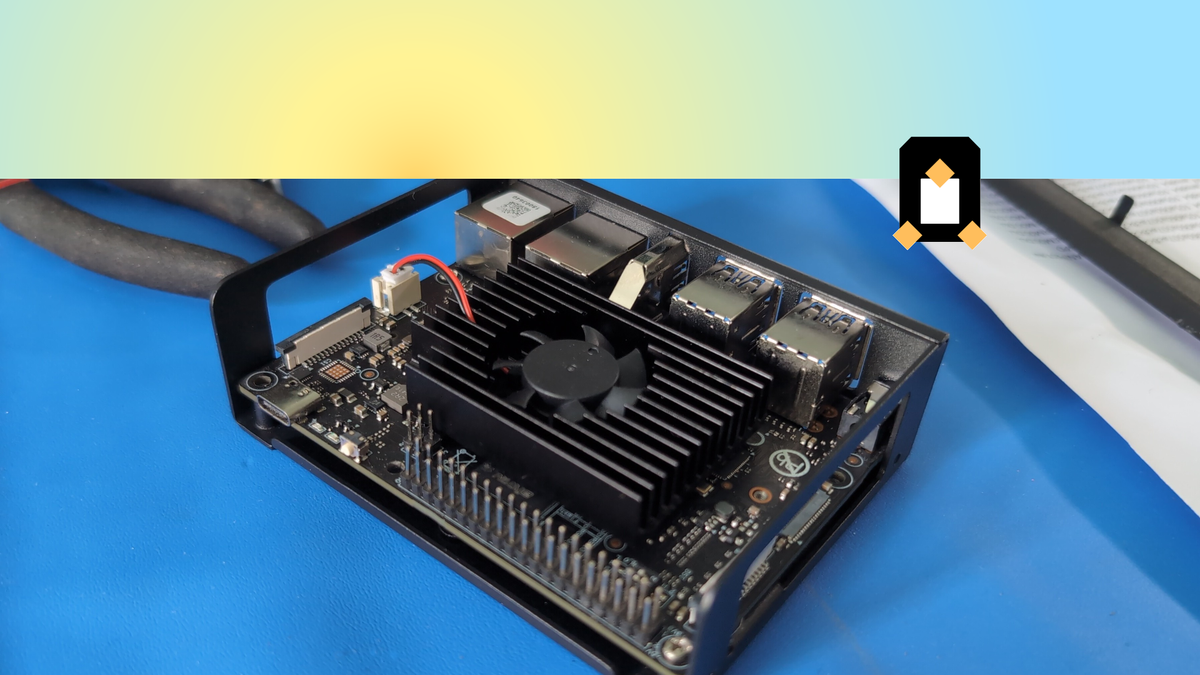
Other technical changes
For those interested in the under-the-hood upgrades, there are a few notable examples.
dbus-broker, a custom-built message bus, will replacedbus-daemon.- Continuing with Rust rewrites, an experimental Rust-based version of
ntpdcalledrs-ntpdwill be available, with a plan to make it the default time sync client next spring's Ubuntu release. Also, the well-known commandscp,mv, andrmare now fully Rust-ified. - Experimental "amd64v3" software archive, potentially allowing for optimized software operations on x86-64-v3 processors.
What's getting better
Some aspects of Ubuntu 26.10 will be getting overhauled or just generally improved.
Installation experience
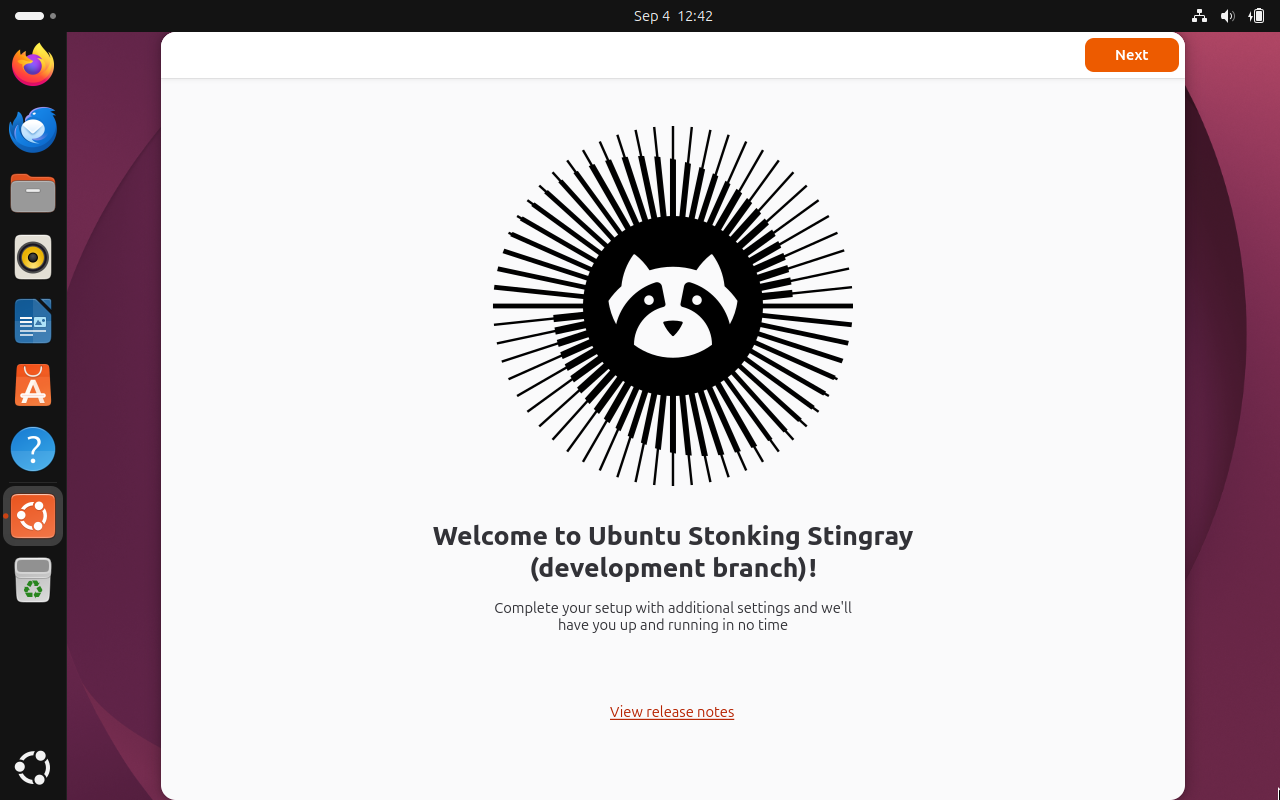
The wizard that you interact with when you first install Ubuntu is being redesigned with this release. You can expect something simpler and easier for an everyday person to understand, with advanced options hidden by default.
What's more, several settings that you previously had to decide during installation are now part of a "welcome" onboarding walkthrough after the installation has completed.
App management
Ubuntu's App Store in 26.10 will let you manage all the software you install in one place. If you've been frustrated by the way your DEB packages and Snap packages were handled separately and sometimes inconsistently in earlier Ubuntu releases, this one aims to fix that.
Memory crash management
When Ubuntu runs out of memory, it will now try terminating apps to free up memory before terminating the GNOME Shell. That might sound annoying, but the idea is that while your apps may crash in an out-of-memory event, you at least still have an operational desktop in the end.
The kernel
For you kernel nerds out there, the default Linux kernel inside of Ubuntu 26.10 will be kernel 7.2, or possibly 7.3. I recommend 9to5Linux's breakdown of the kernel 7.2 to learn what to expect.
What's going away
As with every release, some elements seen in previous iterations of Ubuntu will no longer be here as of version 26.10.
Windowing system indicator
When looking at your computer's About page, you'll no longer see a "Windowing System" field. Previously, it would tell you if you were running either X11 or Wayland. Since GNOME 50 fully dropped support for the X11 windowing system, a dedicated indicator is no longer necessary.
 Jordan Gloor
Older Nvidia drivers
GNOME 51, the desktop Ubuntu 26.10 will use, will no longer support certain legacy Nvidia drivers. This only affects you if you're using very old graphics cards, like 2013 and earlier.
Some GRUB features (maybe)
A discussion on Ubuntu's forum indicates developers may decide to get rid of some features in GRUB (the bootloader that appears and initializes Ubuntu when you first start up your computer). Features that might go away include boot partition LUKS encryption and Btrfs or ZFS filesystems. The idea is to keep GRUB minimal so as to increase security.
- If you're not sure what LUKS, Btrfs, or ZFS are or why you would apply them to the boot partition, then you this change wouldn't affect you.
Zooming out
When to expect it: Ubuntu 26.10 arrived in fill on October 15, 2026.
My take: Ubuntu isn't really my cup of tea, but I think voice dictation should come standard with any modern operating system. I also appreciate simplifying some of the settings and options, since Ubuntu is meant to be a simple and user-friendly operating system anyway.
Diving in
The fineprint: You can see the official Ubuntu 26.10 release notes for more details.
Get it now: Stonking Stringray is available now at the Ubuntu 26.10 release page.