Open source video editor Shotcut is getting OpenFX, Vulkan, and more
A beta for v26.6 was released that added OpenFX and VST2 plugins, as well as Vulkan display rendering for the application.

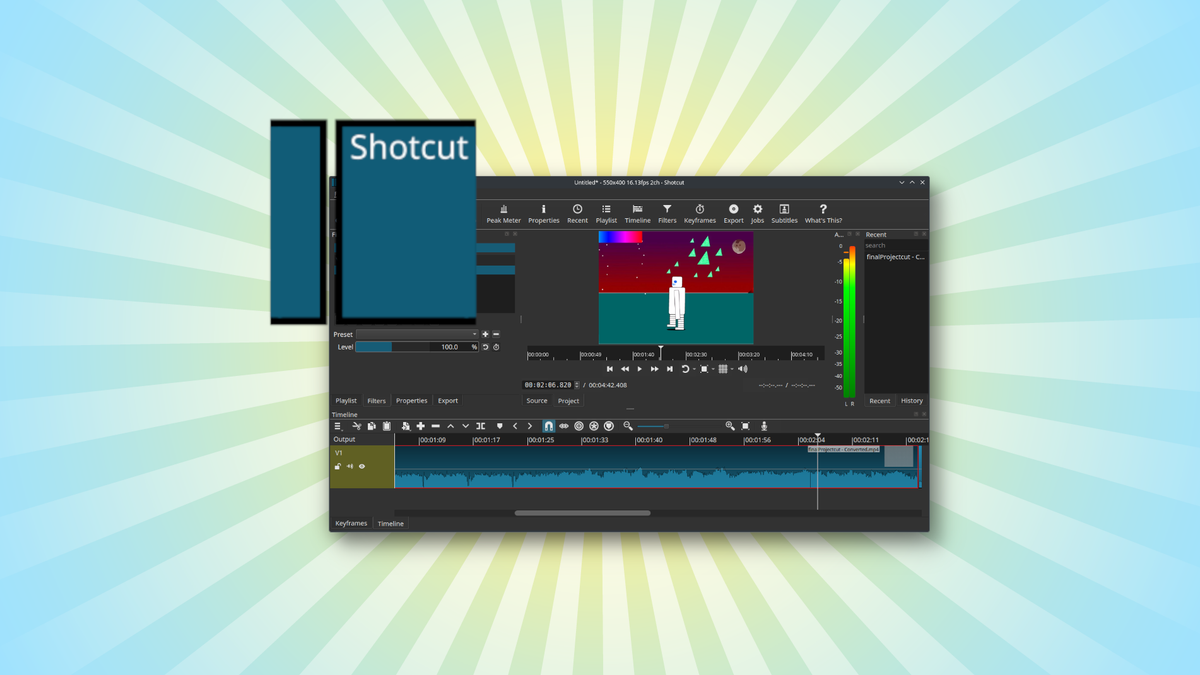
The developers of Linux-native Shotcut published a beta version of its next release, Shotcut v26.6. It follows v26.4, released in April, and adds new plugin support and a litany of new settings options.
What's new
- OpenFX plugins: There's initial support for OpenFX plugins, a standard for plugins already being used by the likes of Davinci Resolve and Sony Vegas. That means any OFX plugin will also, theoretically, work with Shotcut.
- VST2 plugins: There's also initial support for external plugins that meet the VST2 specifications for audio work.
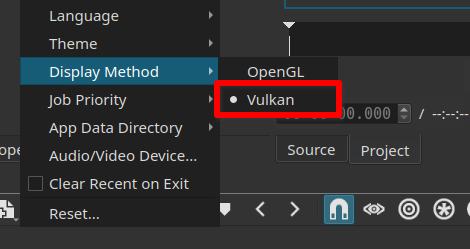
- Vulkan support: On Linux, Vulkan is now an option among the display methods, alongside OpenGL and Mesa.
- Experimental launch flag: Now you can test experimental features by launching Shotcut with the
--experimentalflag. The first instance is the new filter UI generator.
What's getting better
- Spatial audio support: The
libspatialaudiolibrary for decoding and encoding spatial audio has been upgraded to version 0.4, which brought with it object-based audio and better speaker layouts. - HDR editing: In video mode and timeline settings, you can now switch between SDR, HLG HDR, and PQ HDR.
- HDR is also now an option in the Export menu.
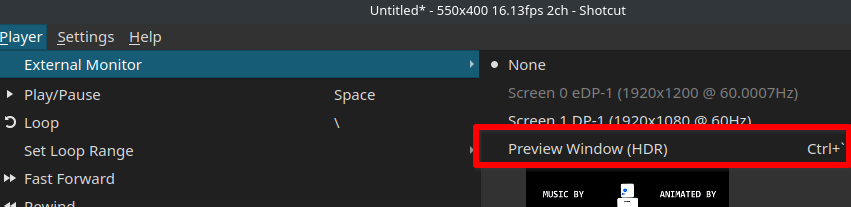
- Preview windows: You can now set an external display as a dedicated Preview window by going to Player > External Monitor > Preview Window (HDR).
- Both HDR and SDR are supported, though HDR doesn't currently work on Linux or Snapdragon-powered Windows devices.
Zooming out
Why this update matters: Video continues to be a dominating force in communications. Free and open source applications enable those who don't want to rely on paid and proprietary tools for video creation to stay independent.
My take: I'm looking into different open source video editing tools for videos I want to make. I'll be taking Shotcut into consideration.
Diving in
The fineprint: Read the release notes on GitHub for all the bugs that have been fixed.
Get it now: The link above has the beta download for v26.6, but you can try the stable version of Shotcut by searching your software repository or by visiting the official download page.