2 more Soundcore headsets just got open source support
OpenSCQ30 adds support for the Soundcore Sport X20 and Soundcore Liberty 4 Pro wireless earbuds while also improving the app experience.

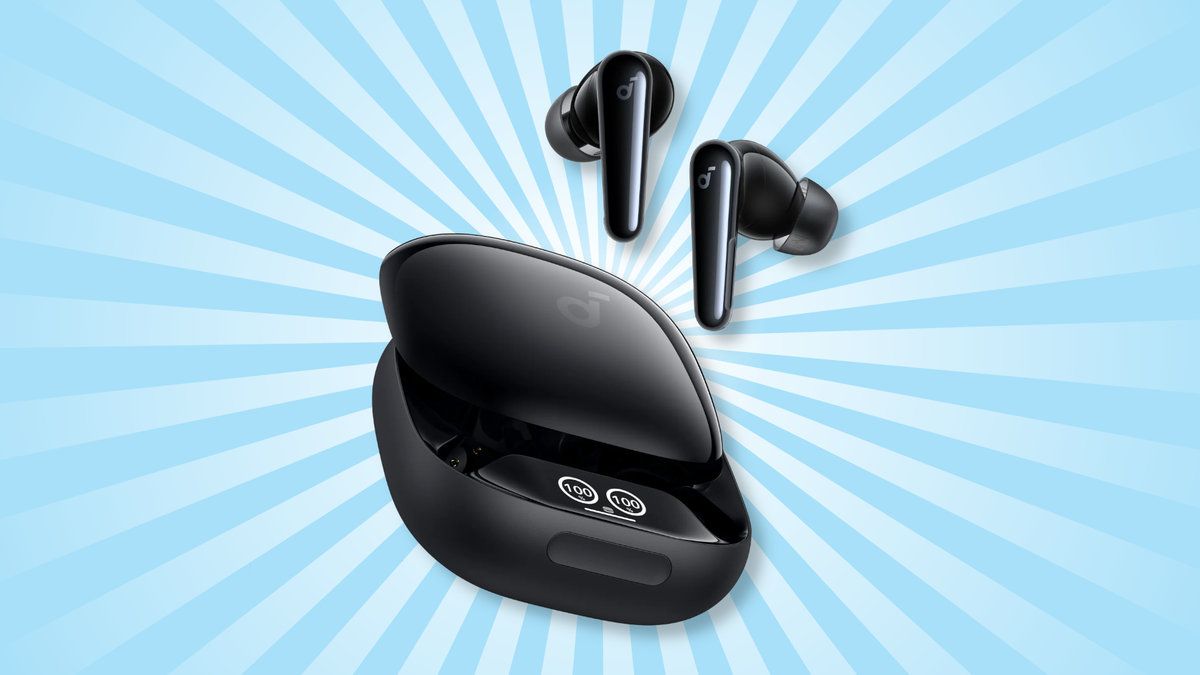
The developers of OpenSCQ30, an open source and Linux-native app for managing wireless Anker Soundcore headphones and earbuds, just updated the app with brand-new support for two new Soundcore products.
What's new in OpenSCQ30
Version 2.9.0 of OpenSCQ30 (which is short for Open Soundcore Q30, the original headphones the lead developer wanted to make an app for) adds full support for the Soundcore Sport X20 (A3968) wireless hook earbuds and the Soundcore Liberty 4 Pro (A3954) wireless earbuds.
That means if you own one of those headsets, you can now tweak their settings and monitor their batteries with OpenSCQ30 instead of the conventional Soundcore app.
This update brings other improvements to the app itself, including the ability to manually remove dual connections. There's a new man page for the command-line interface, and issues with the Soundcore P40i equalizer and the Soundcore Liberty 5's gaming mode were resolved.
- New keyboard shortcuts: Hotkeys were added to the desktop app, including
Ctrl+Fto search menus,Ctrl+,(comma) to open the settings dialog, andEscto exit dialogs.
 Jordan Gloor
Zooming out
The background: OpenSCQ30, which is totally free and open source, lets you control settings on supported Soundcore devices, which you can see a complete list of on the OpenSCQ30 GitHub page.
The app, which has no ads, runs natively on Linux, as well as Windows and Android. The desktop version has a CLI implementation in addition to the graphical app. Unfortunately, there's no iPhone support yet.
Why this announcement matters: Manufacturer apps like Soundcore's are notorious for serving unwanted ads, annoying issues that never get addressed, and more. They're usually closed source, so you don't know what else they might be doing. Apps like OpenSCQ30 free you from those problems.
My take: I use OpenSCQ30 with my Soundcore Space One headphones and love it. I'm still waiting for my Souncore speaker to get support in the app, too, so I can totally drop the main Soundcore app.
Diving in
Go further: You can read the OpenSCQ30 2.9.0 release notes for smaller updates and more technical details.
Get it now: Those GitHub release notes also have APK, EXE, and Linux binary downloads. Linux users can also get OpenSCQ30 from Flathub, so as long as your software manager supports Flathub, you can find it with a quick search.