This open source pixel art editor just got a major update
Version 1.2 of Pixelorama includes a new autotiling system, a tool for converting flat sprites to isometric, and Steam Cloud saves.

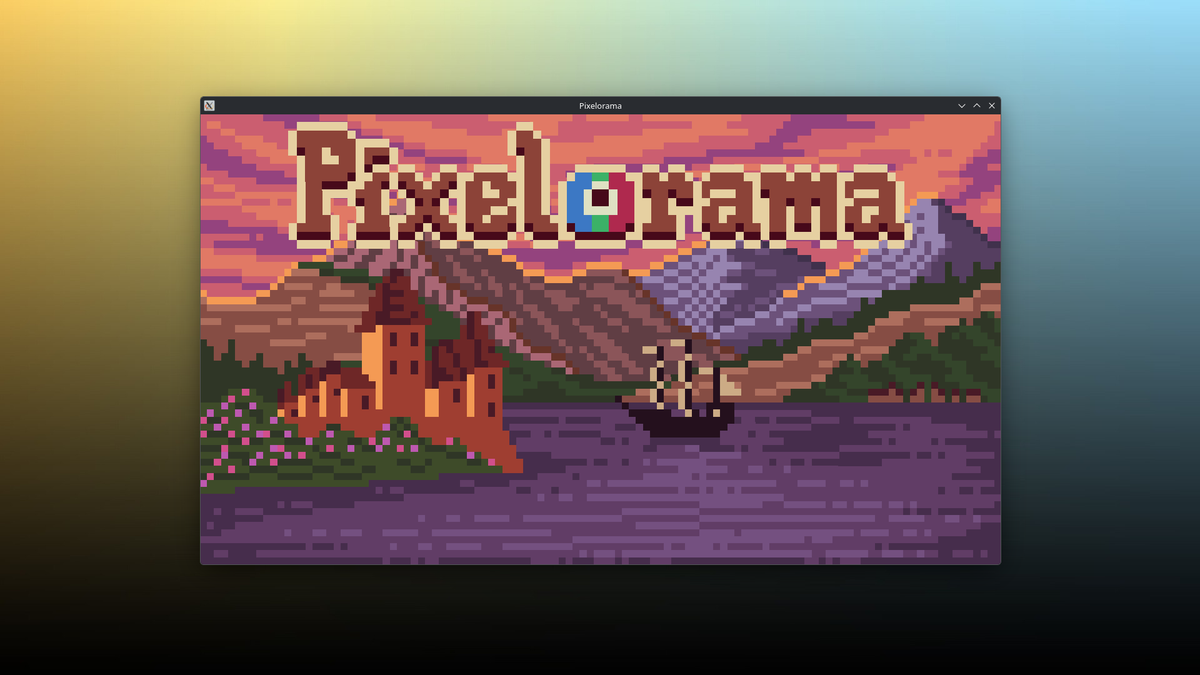
The Orama Interactive team announced last week the release of Pixelorama version 1.2. The free and open source Linux-native app's new features include time-saving layer effects, autotiling operations, and a wealth of other enhancements for pixel artists.
What's new
- Non-destructive animation layers: Layer effects can now be keyframed across the animation timeline, meaning you can quickly create animations in a non-destructive way.
- Tilemap layer autotiling: If you have a tilemap layer, you can quickly test how the designs will look with any drawing tool by opening the new Tiles Property Tool and enabling the Autotiling option.
- Flat-to-Isometric effect: There's a new effect for images and layers that allows you to convert a flat design to an isometric shape. It creates a modifiable "staircase" effect that automatically turns straight lines into angled ones converging at an origin point.
- Steam cloud saves: If you installed Pixelorama with Steam, you can now save up to 500 projects or 2GB's worth of projects (whichever number you hit first) in Steam's cloud storage. That means you can sync projects across multiple devices where Pixelorama is installed.
- Your projects must be stored in the path
Pictures/Pixelorama/SteamCloudand only PXO files will get synced.
- Your projects must be stored in the path
 Jordan Gloor
What's getting better
- 3D layering: Pixelorama's 3D layering system has been completely overhauled. 3D objects are now being shared across entire layers, and just about every aspect of those 3D objects can now be animated. You can also draw directly on top of them.
- This is a breaking change. 3D layers from older versions of Pixelorama will be broken, so you'll want to hold off on upgrading if you're currently working on any projects that involve 3D layers.
- Shape tools: Shapes now support brushes, and the rectangle tool now has a "radius" option to create rounded corners.
- Themes: There's a new Black (OLED) theme for use with OLED screens, and a "System" tool that attempts to match the operating system's current
What's going away
- Tool and background color controls: The preferences dialog will no longer let you customize background and tool colors. Those configurations are instead set by the current theme.
Zooming out
Why this update matters: Powerful creative tools that run natively on Linux are few, so a major update like this brings a lot more capability to the Linux workstation.
My take: I'm not an artist, but I love to watch the development of apps like Pixelorama. Though I am proud of the favicon for my personal website, which I made with Pixelorama.
Diving in
The fineprint: To see demonstrations and all the technical details, read the full Pixelorama v1.2 release notes.
Get it now: Pixelorama is available for download on Linux computers via Flathub, so you can try searching your software browser for it. You can also use a web app version on Itch.io, or support the project (and get Steam Cloud syncing) by purchasing it on Steam for $10.